
2.2 Software Installation & Activation
Installation Steps
1. Locate the installer on the included USB flash drive, or download it from the technical support website.
2. Double-click to run the installer.
3. Select the installation path.
4. Install driver components.
5. Complete the installation and launch ShapeWare 2.0.
Software Activation
ShapeWare 2.0 supports the following licensing method:
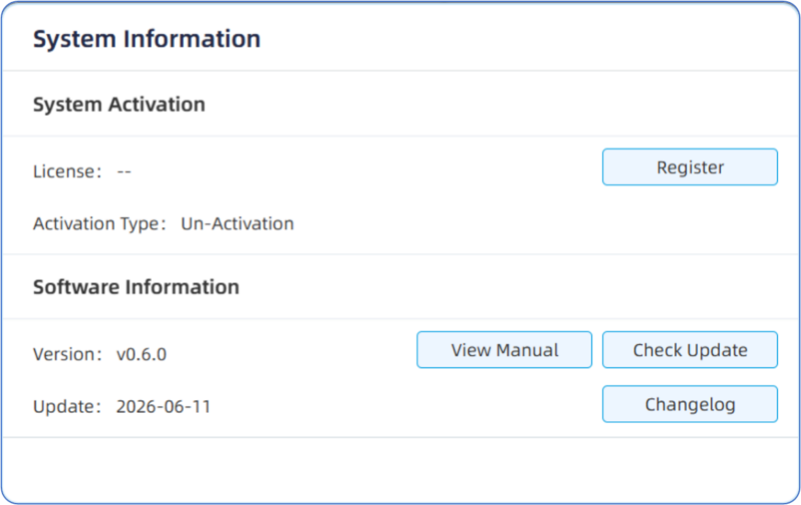
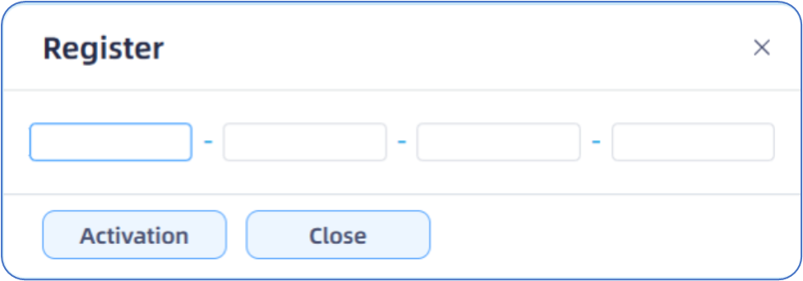
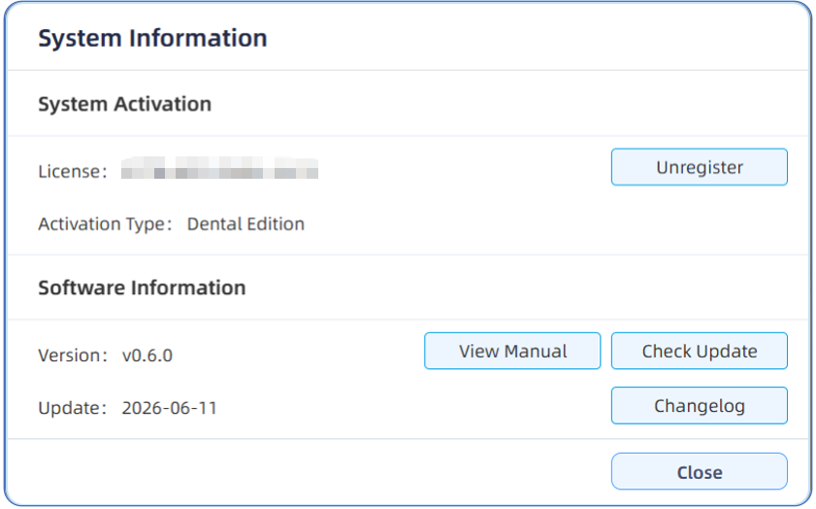
- Online Activation: After installing and running ShapeWare 2.0, enter the 16-digit activation code found on the back of the included USB flash drive package to activate via the internet.
Note:
1. This activation code can only be used on one computer at a time. If you need to switch to a different computer, you must first deactivate (delete) the code on the originally activated computer.
2. The activation code should be well recorded and kept.