跳至内容
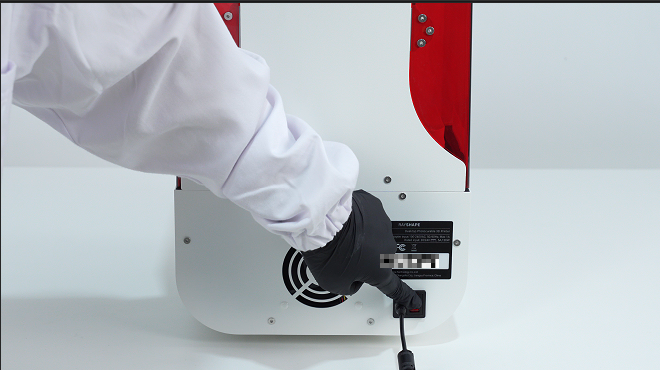
1. Turn off the printer and unplug it.
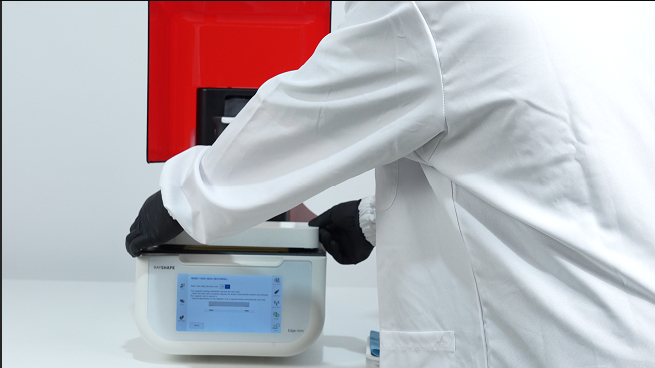
2. Remove the resin tank and printing platform.
3. Slowly peel off the tapes securing the edges of the LCD panel.
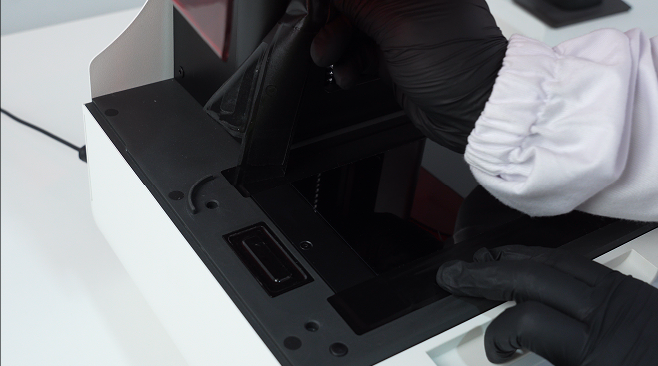
4. Remove the existing LCD panel protector.
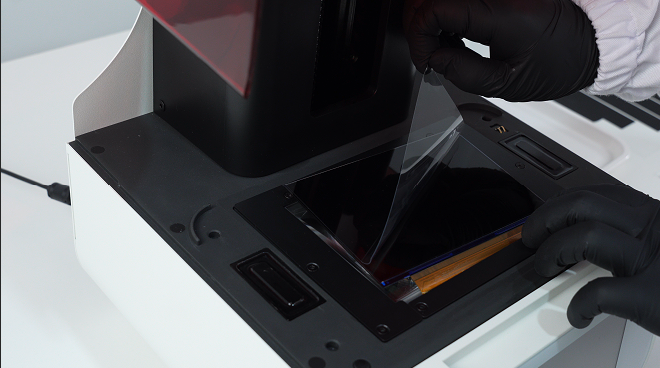
5. Peel back one corner of the protective film with the red tag.
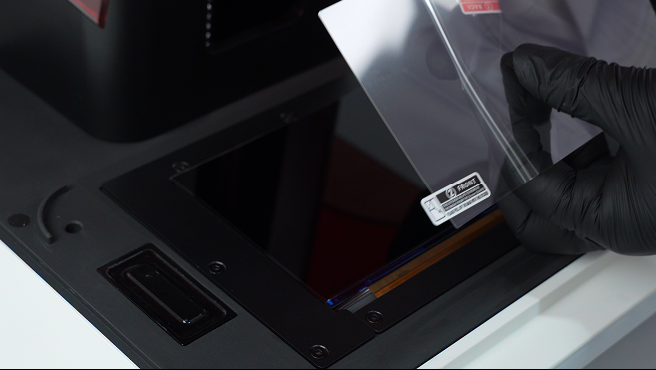
6. Use the plastic scraper to slowly and gently press and push forward the protector while peeling off the bottom protective film.
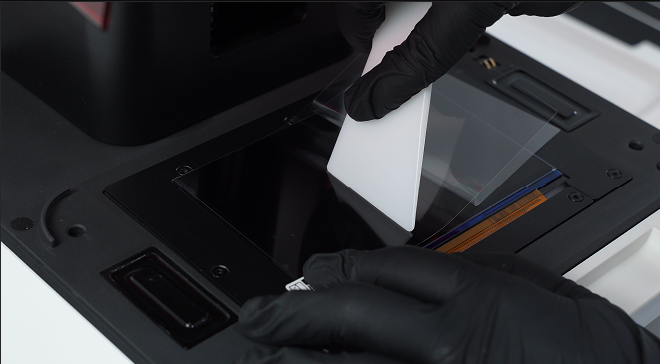
7. Remove the protective film with the white tag.
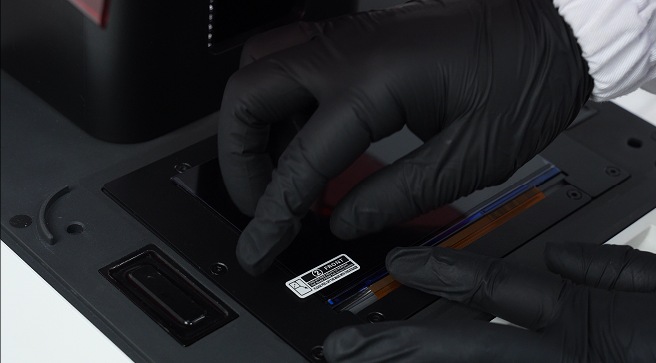
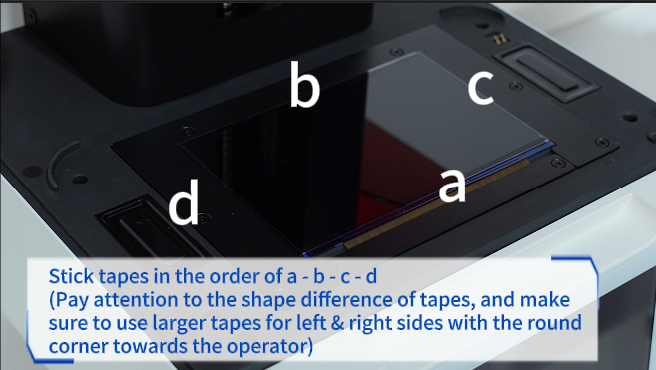
8. Stick tapes in the order of a - b - c - d.
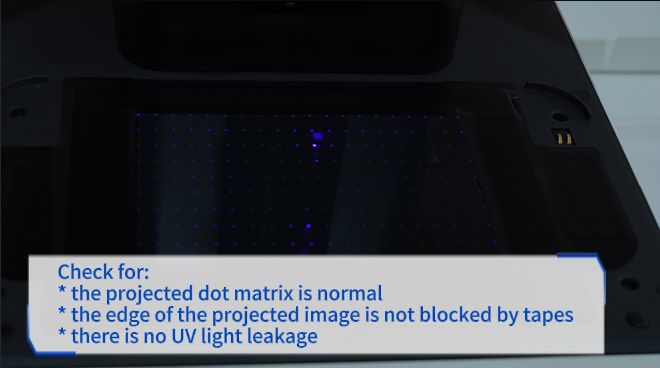
9. Check for:
* the projected dot matrix is normal.
* the edge of the projected image is not blocked by tapes.
* there is no UV light leakage.