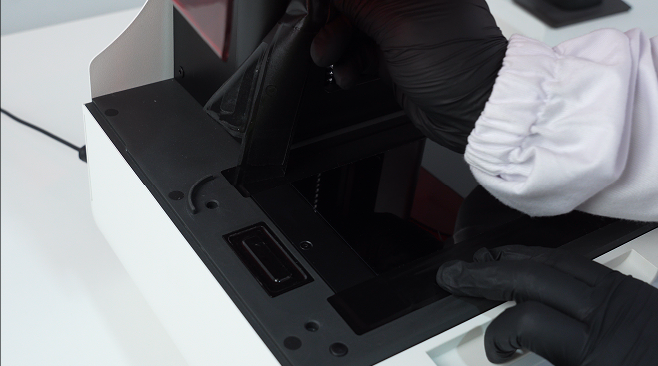
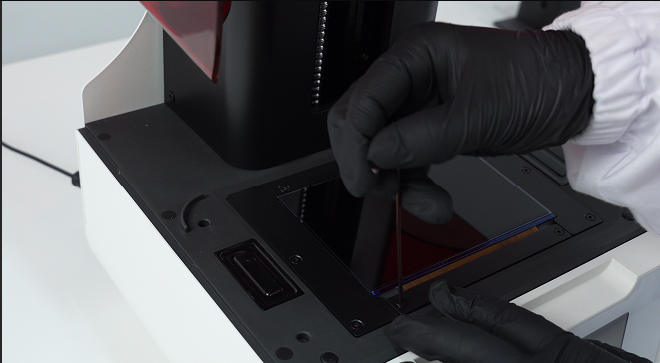
2. Slowly remove the tapes securing the edges of the LCD.
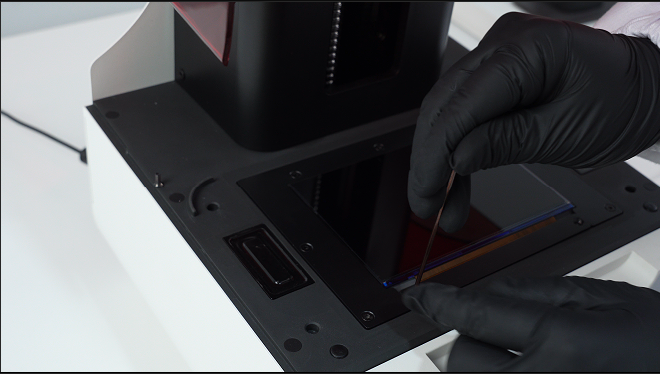
3. Remove the frame fixing screws and then remove the frame.
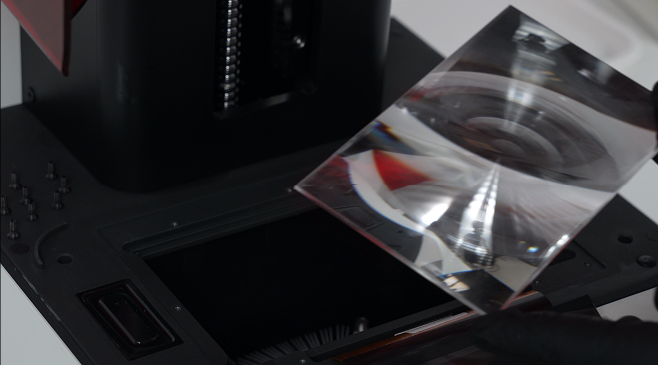
4. Remove the glass substrate and Fresnel lens.
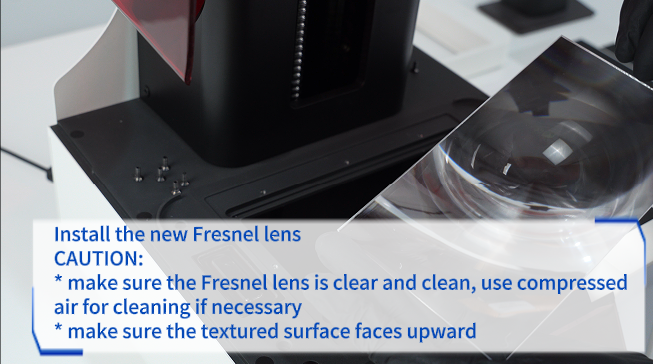
5. Install the new Fresnel lens. CAUTION: * make sure the Fresnel lens is clear and clean, use compressed air for cleaning if necessary. * make sure the textured surface faces upward.
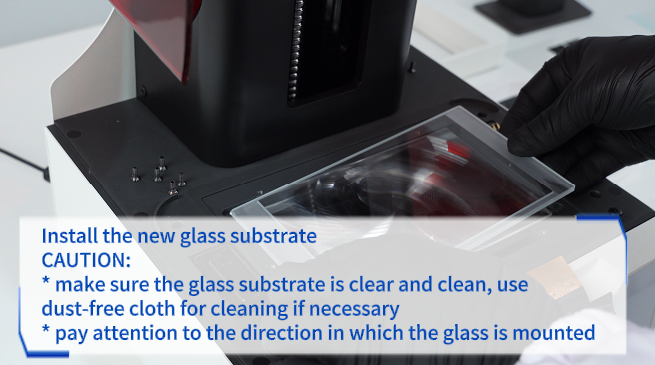
6. Install the new glass substrate. CAUTION: * make sure the glass substrate is clear and clean, use dust-free cloth for cleaning if necessary. * pay attention to the direction in which the glass is mounted.
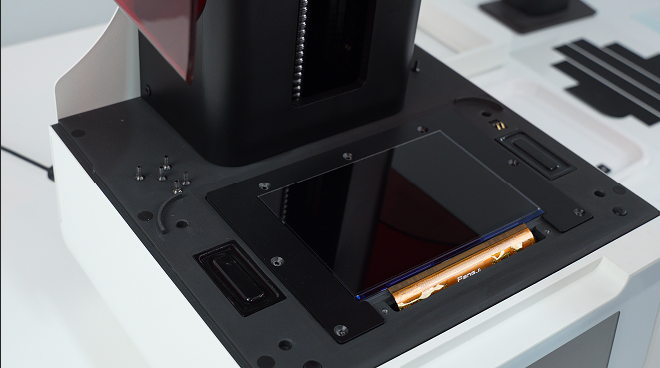
7. Place metal frames in position.
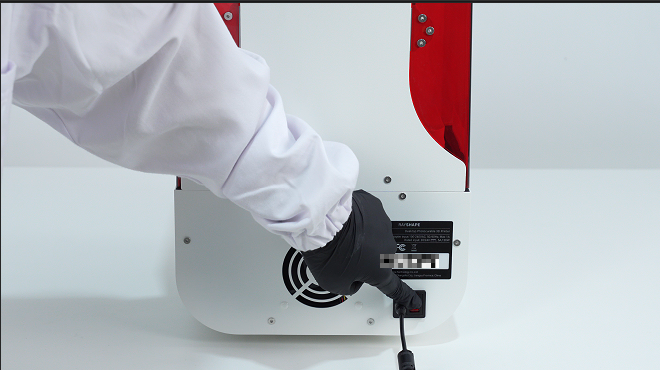
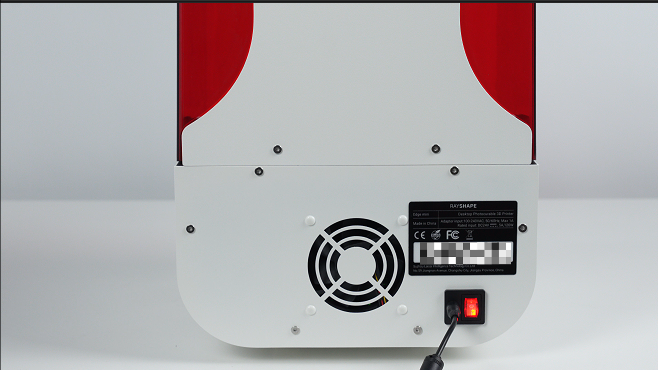
8. Plug in and turn on the printer.
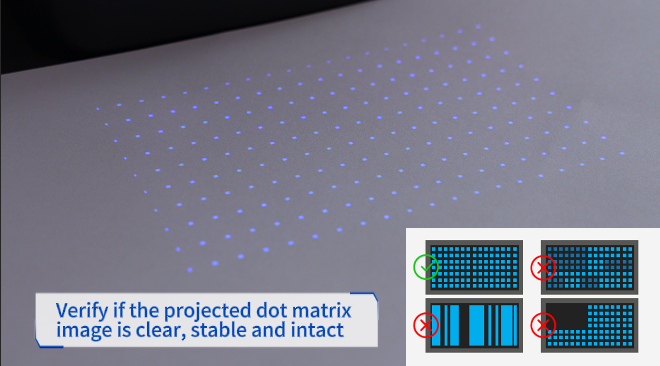
9. Confirm the projected dot matrix is normal.
10. Turn off and unplug the printer.
11. Tighten screws of metal frames.
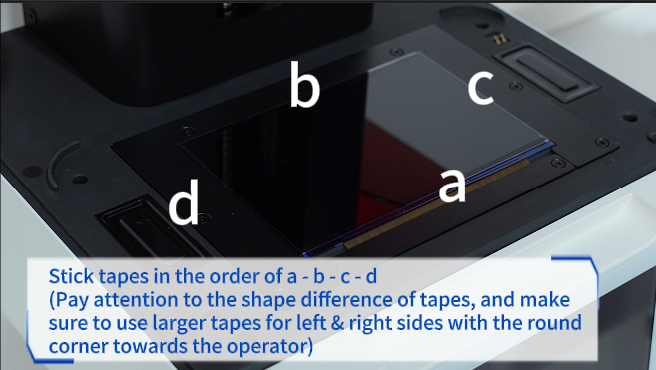
12. Stick tapes in the order of a - b - c - d.
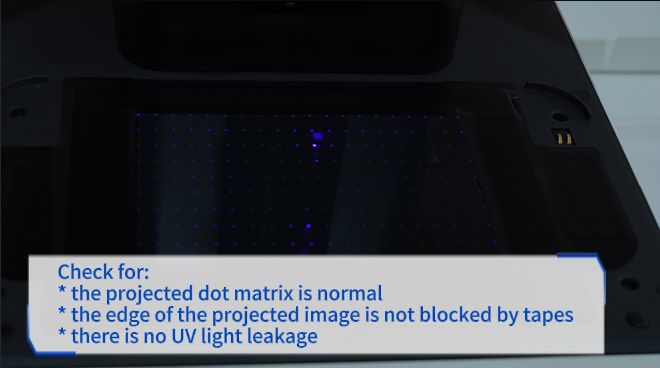
13. Check for: * the projected dot matrix is normal * the edge of the projected image is not blocked by tapes. * there is no UV light leakage.