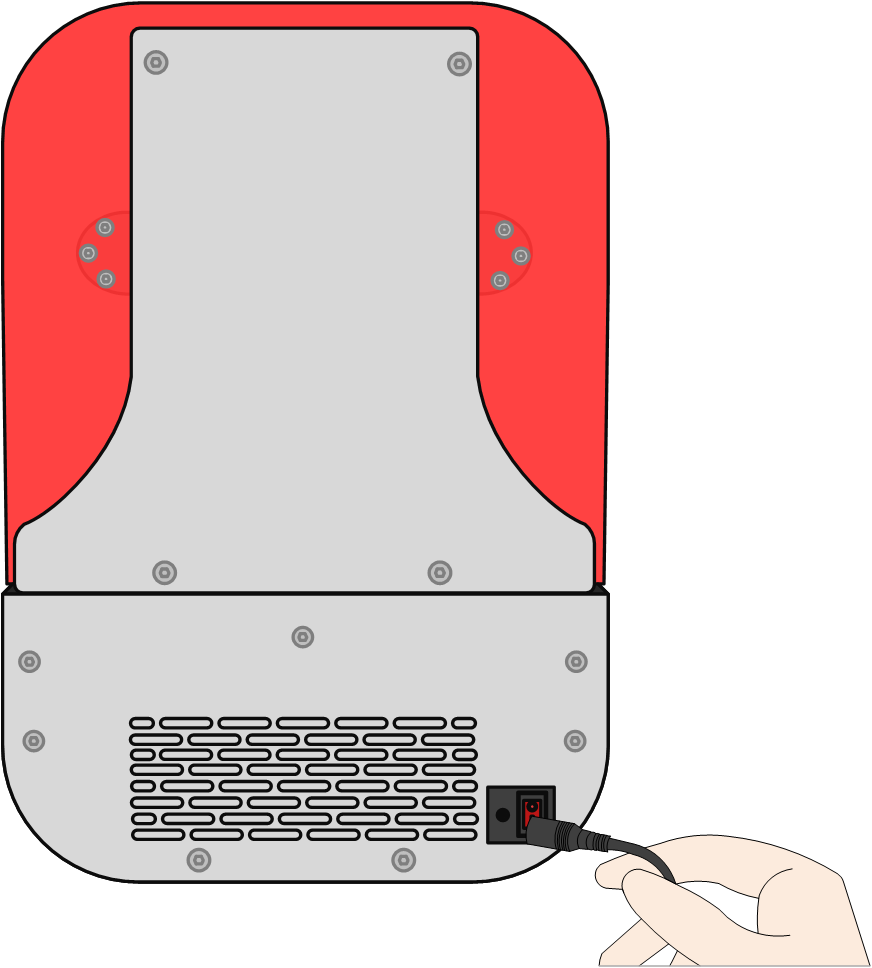
1. Plug in the power cord.
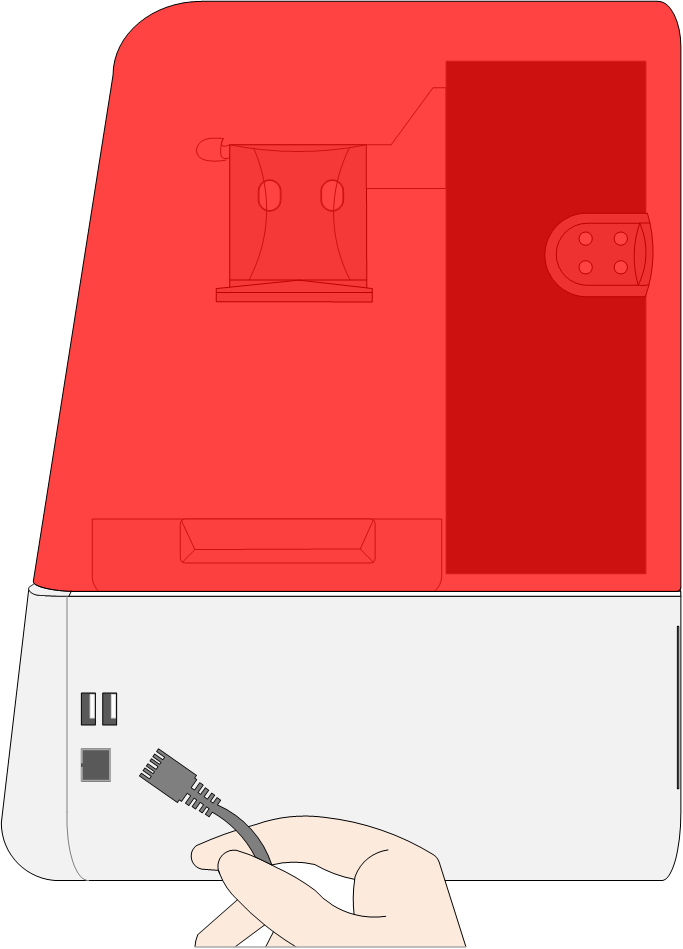
2. Plug in the Ethernet cable (on-demand).
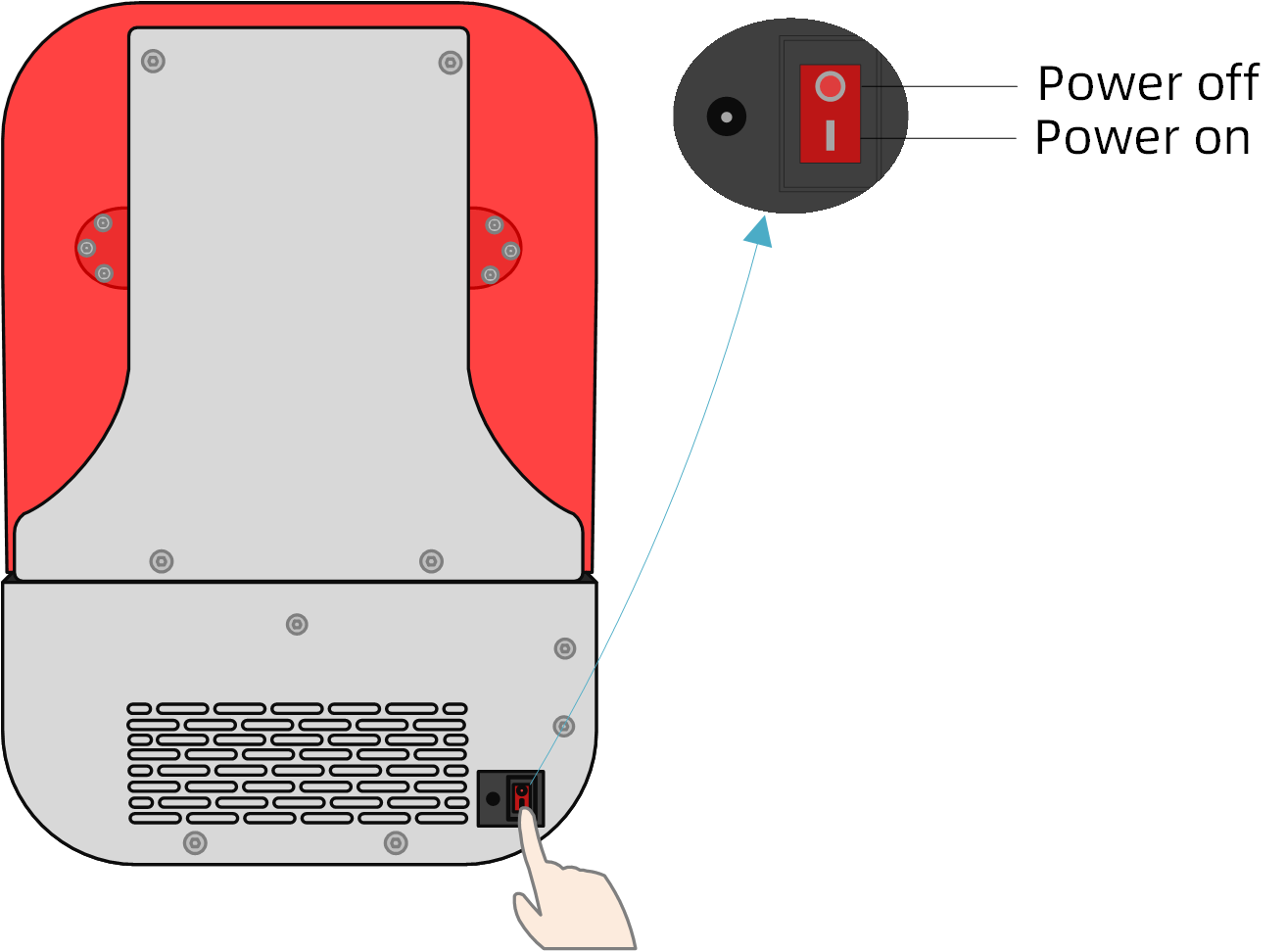
3. Powering on.
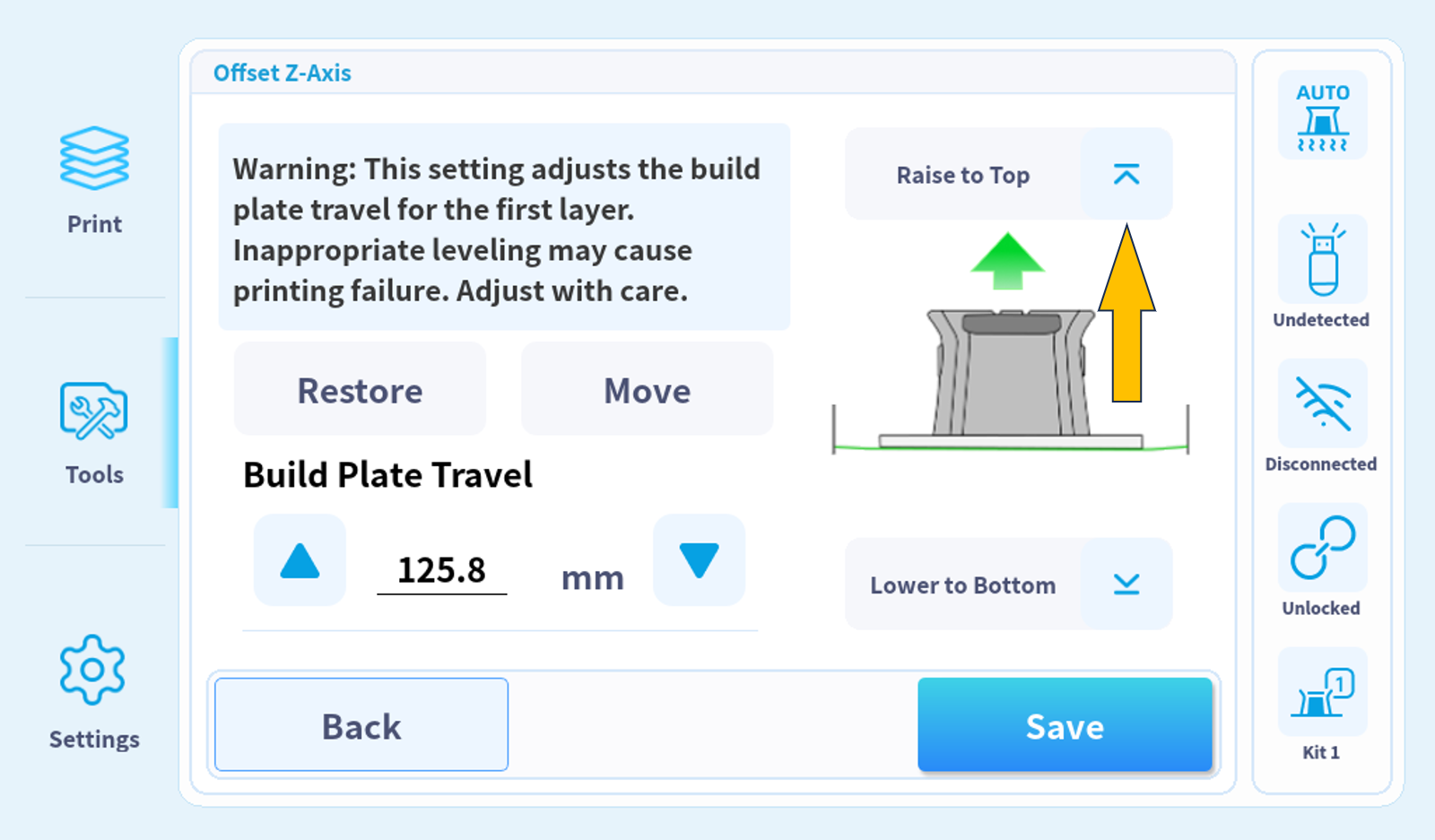
4. Click on "TOOLS-OFFSET Z-AXIS-MOVE TO TOP", to raise the printing platform.
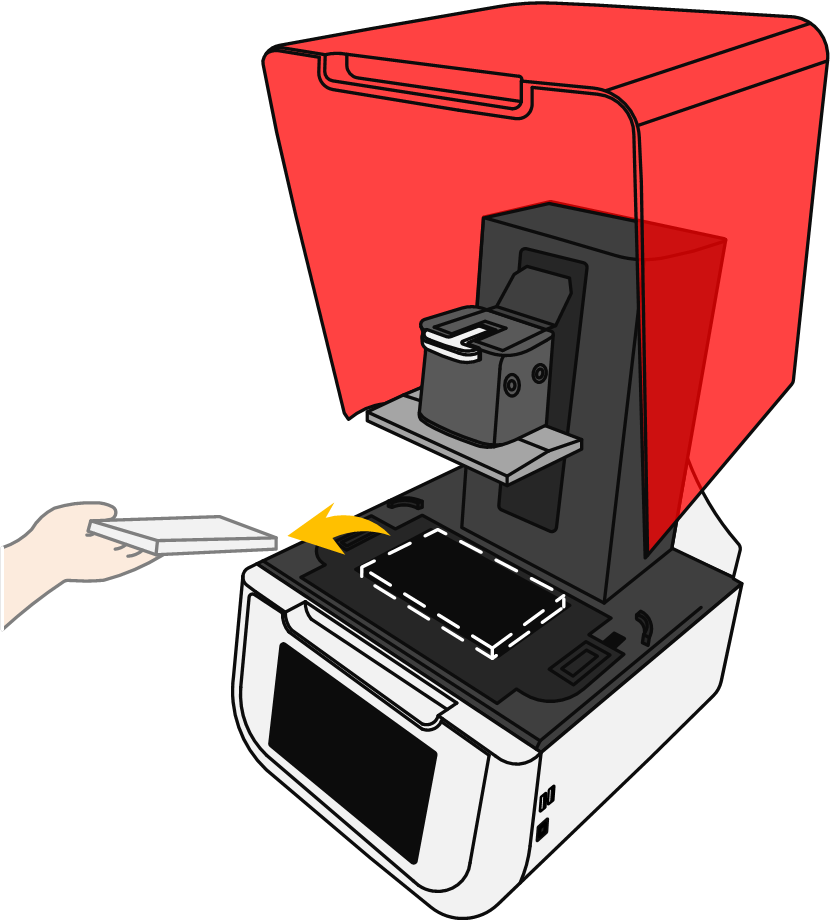
5. Remove the protective foam.
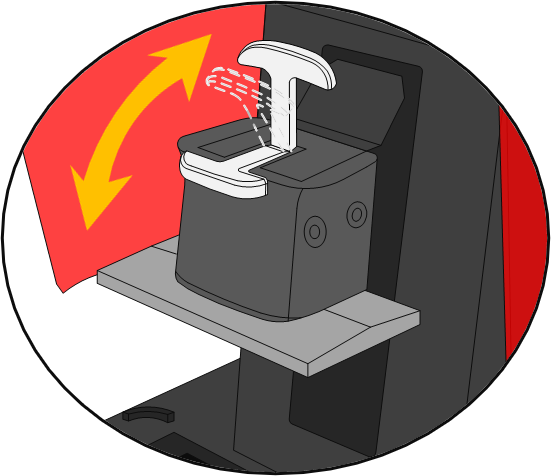
6. Perform and validate printing platform installation and removal operation.
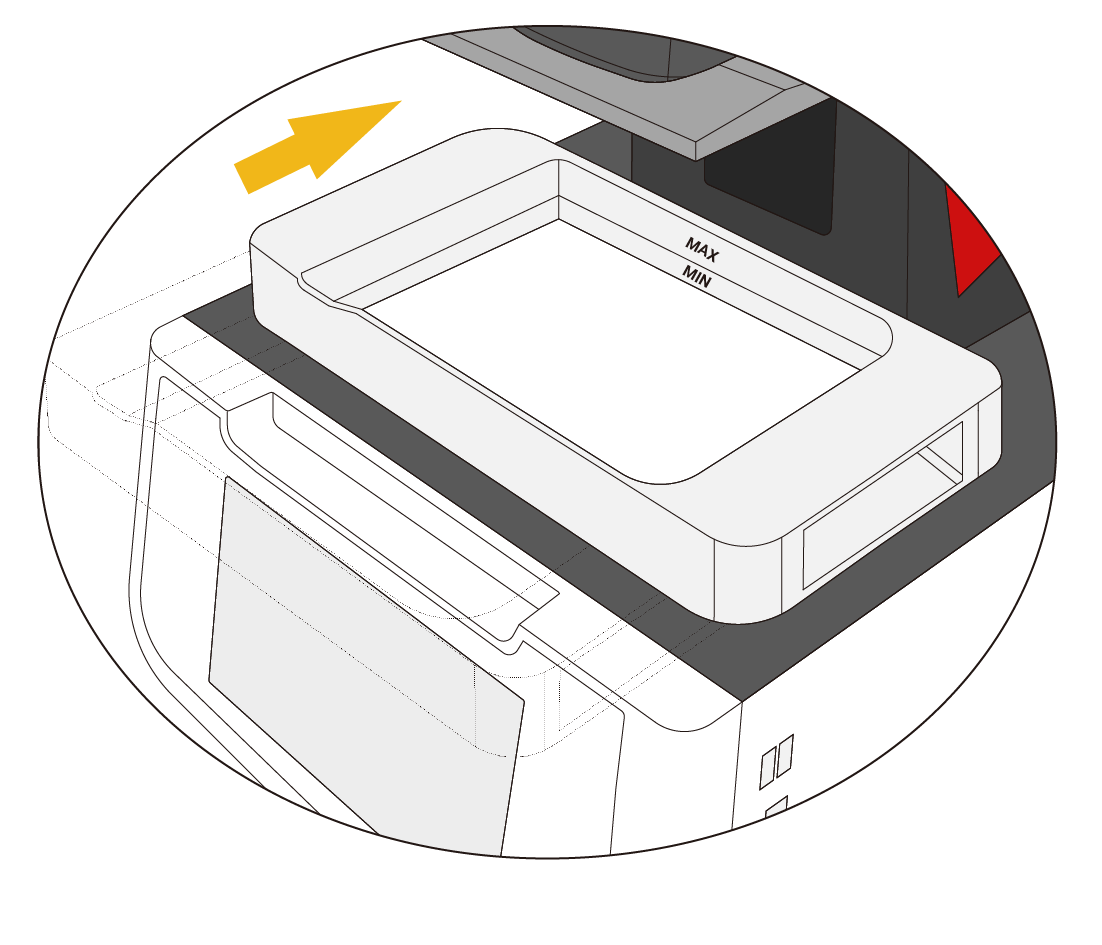
7. Install the resin tank and validate the mag-securing.
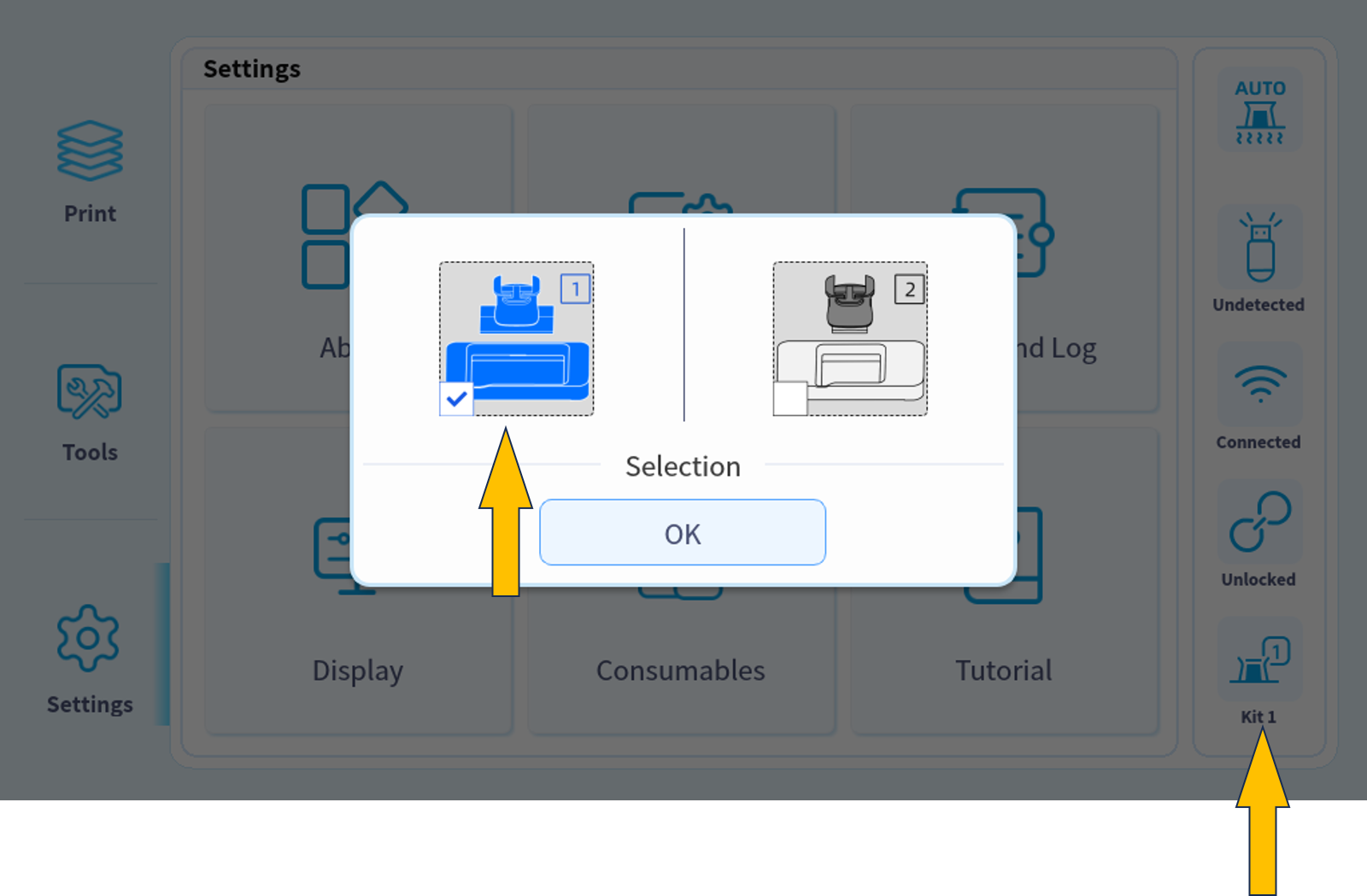
8. Verify printing platform type.