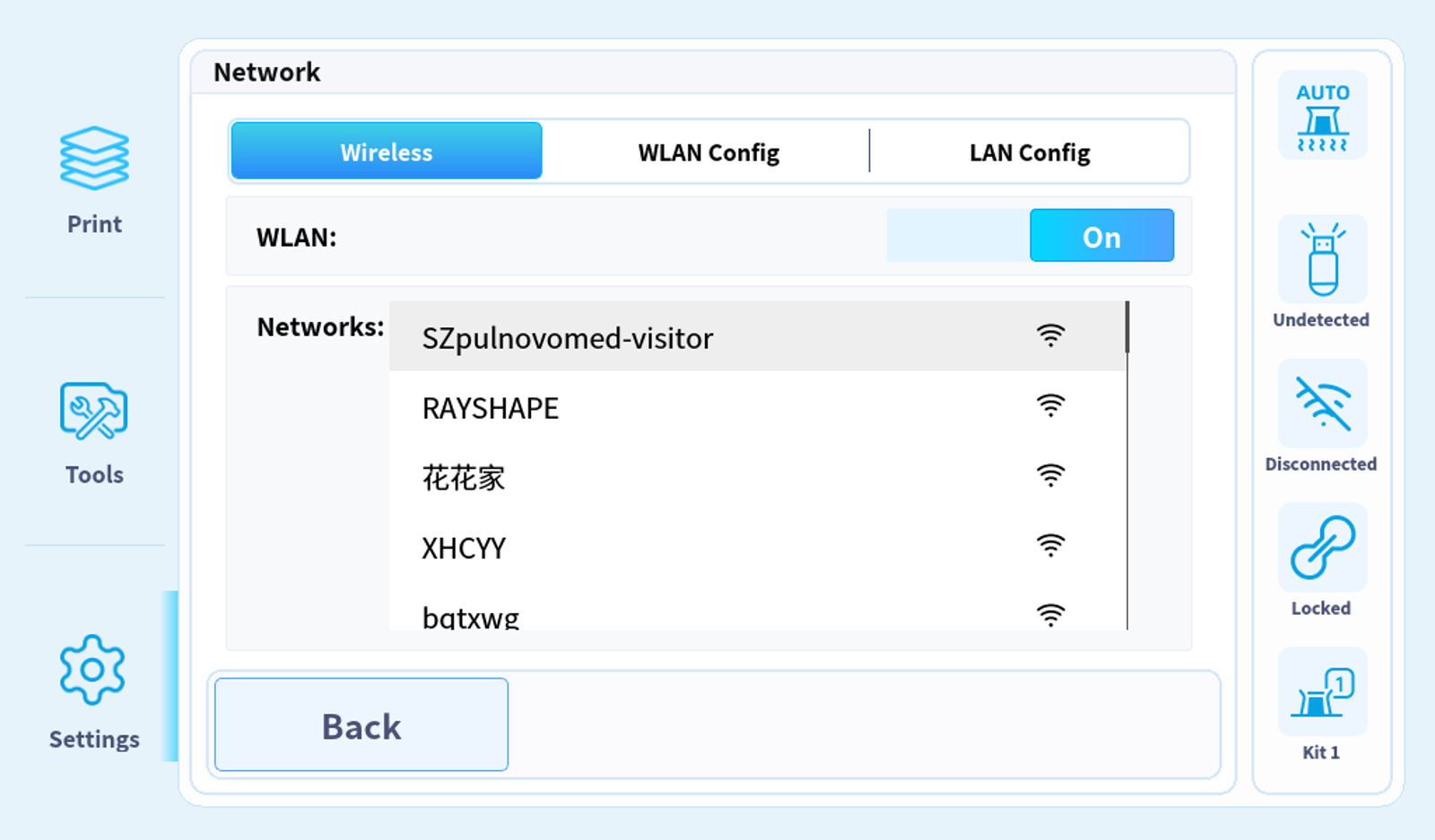
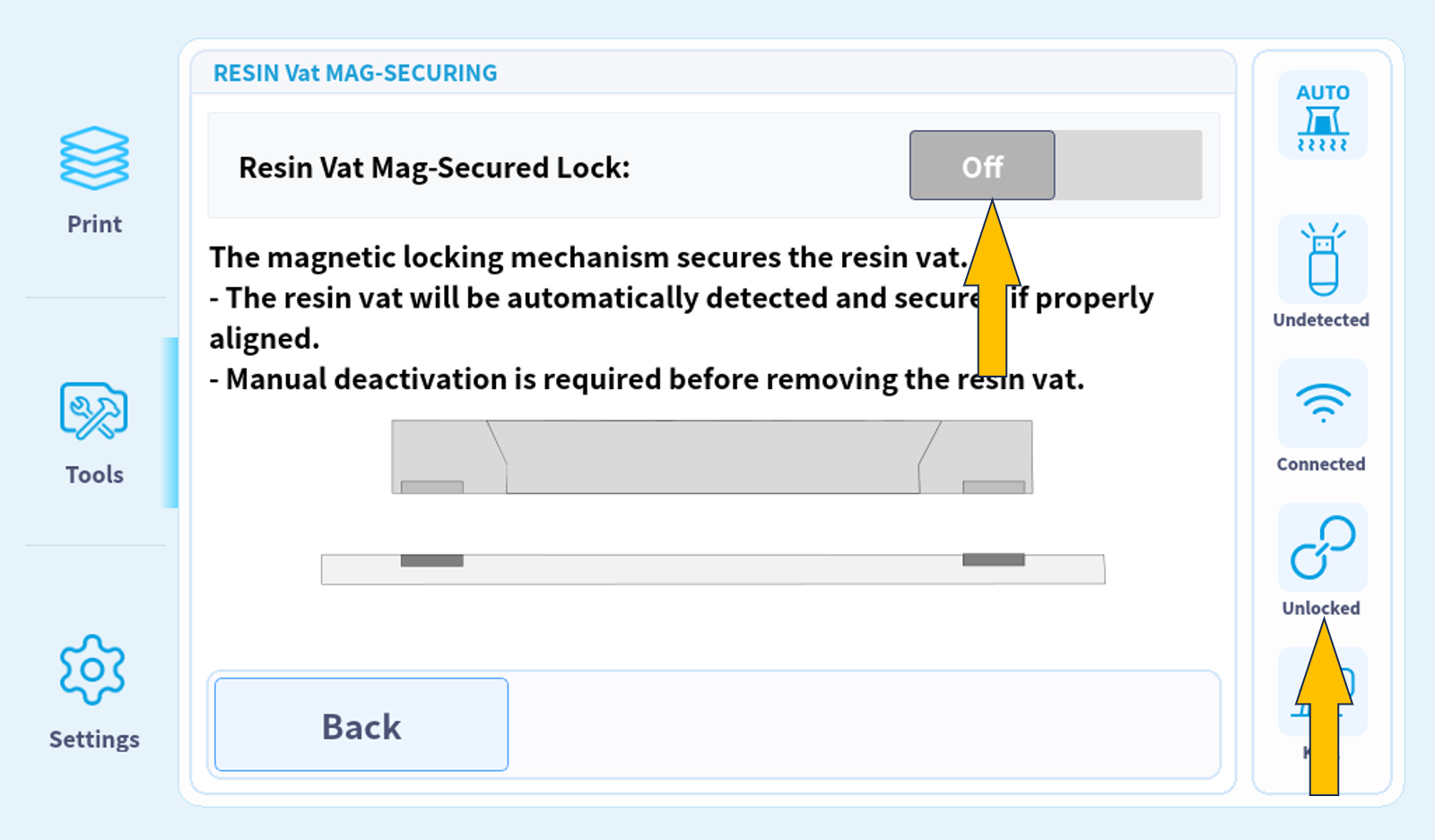
1. Click on "Mag-securing - Off" to release the resin tank.
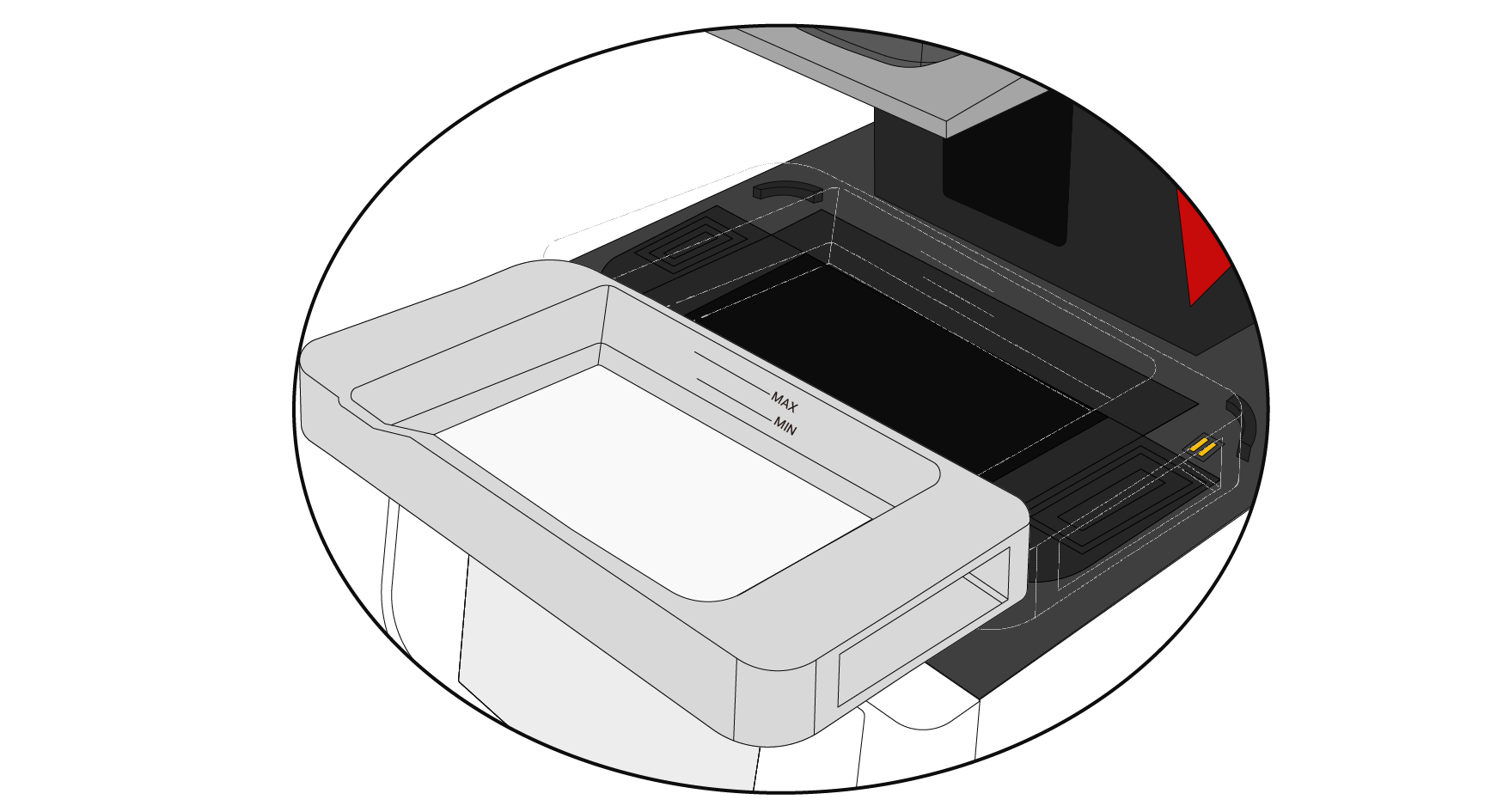
2. Remove the resin tank.
3. Place one A4 paper on top of the LCD panel.
4. Click on "TOOLS-LCD PANEL TEST-TEST".
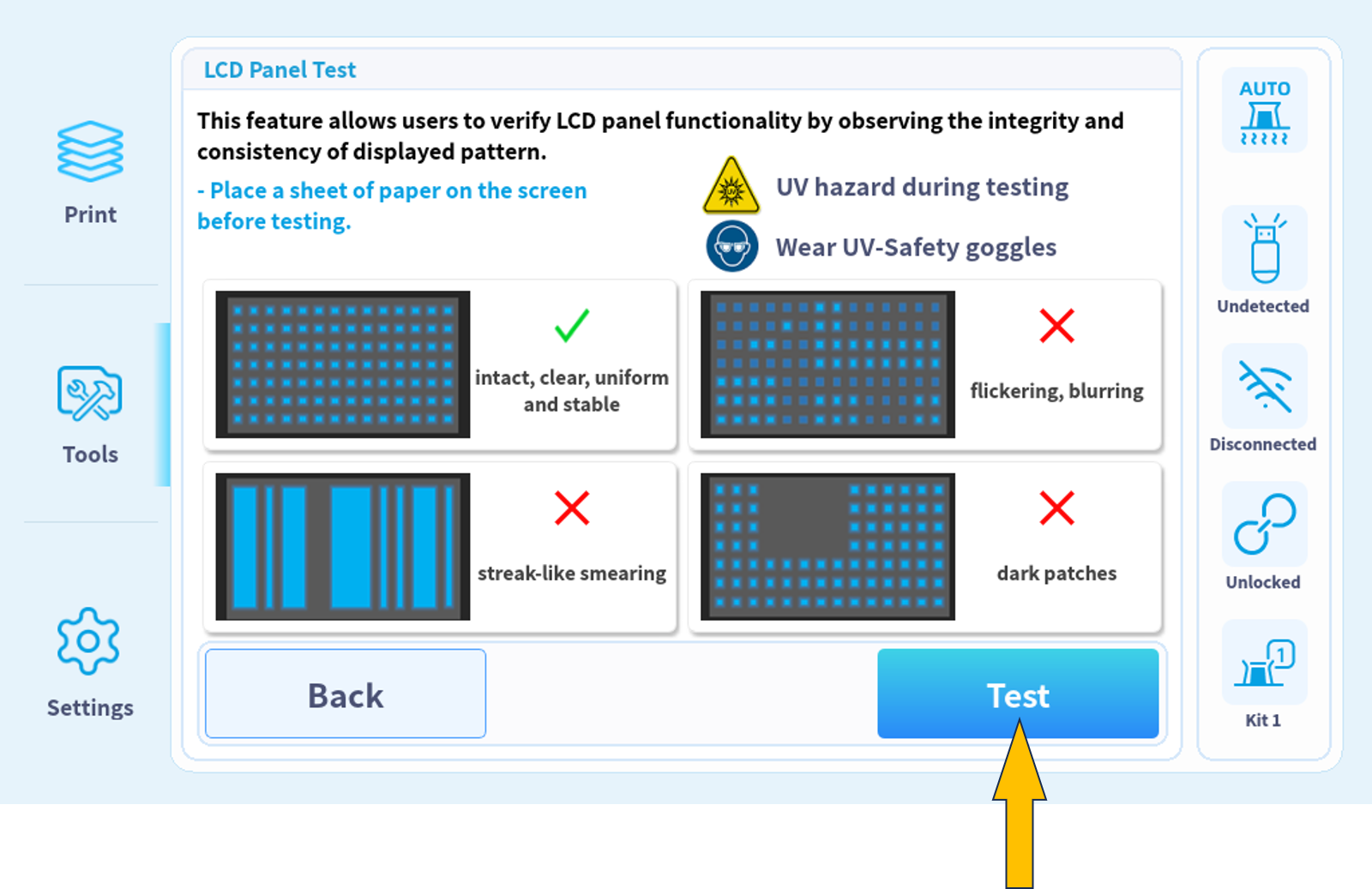
5. Verify if the projected dot matrix image is clear, stable and intact.
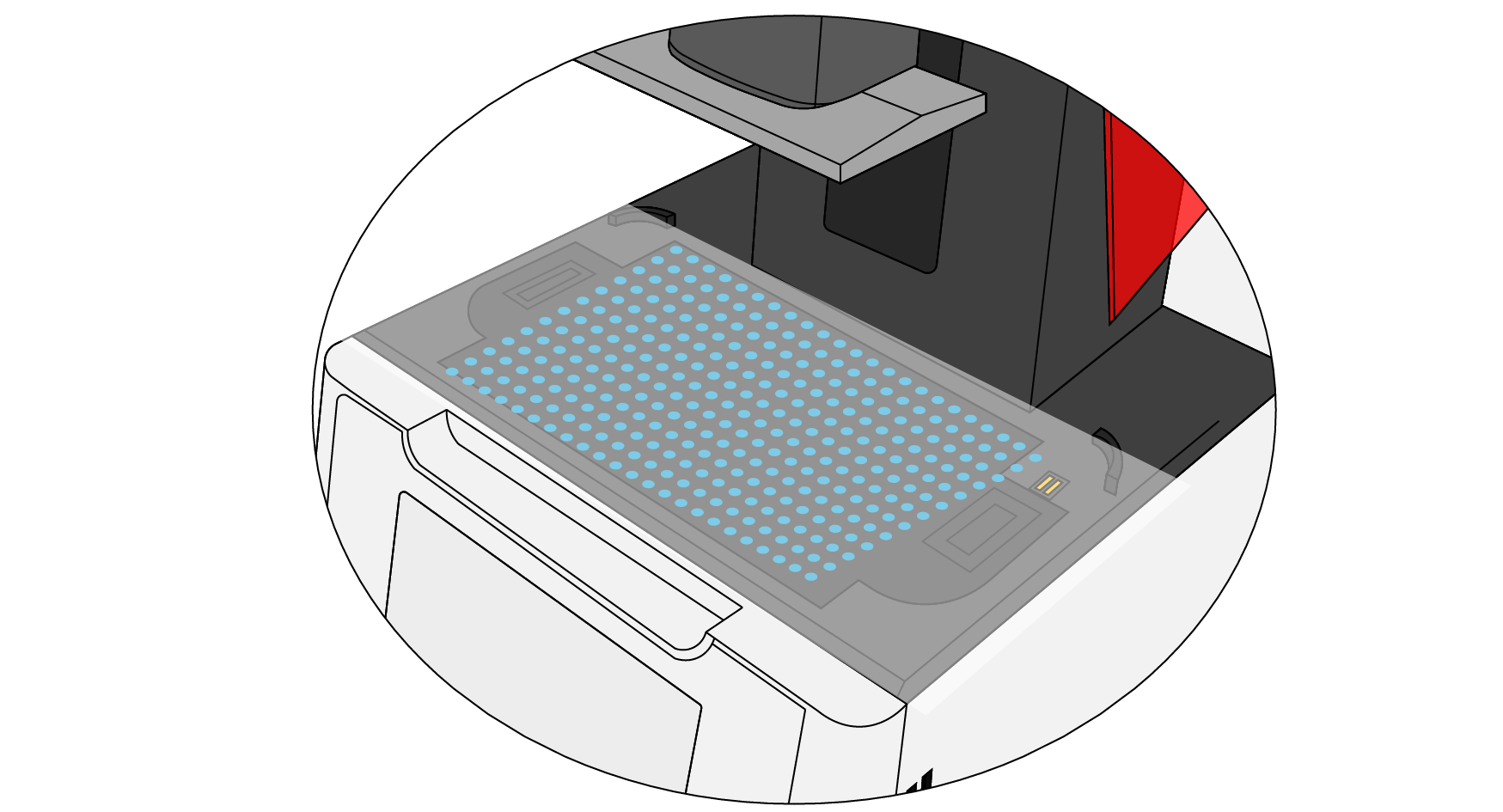
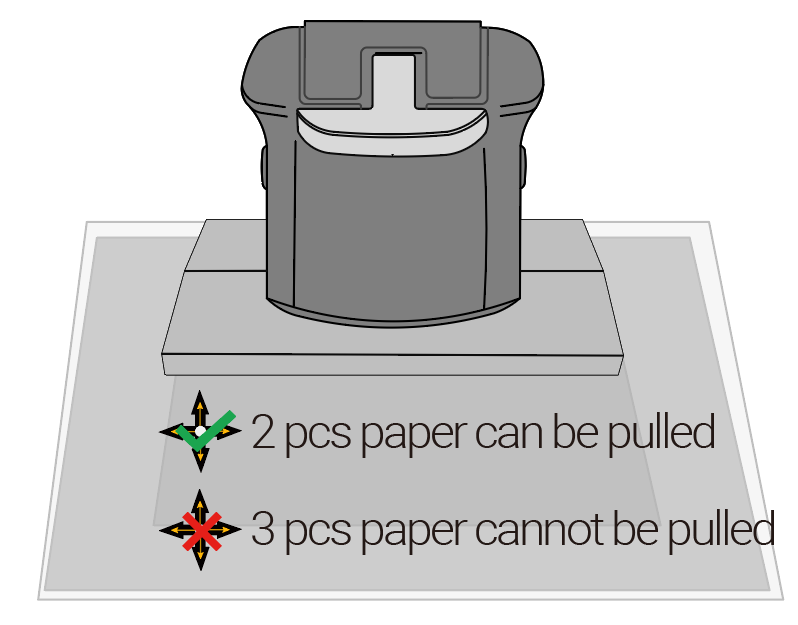
6.Place 2 pieces of A4 paper on top of the LCD panel.
7. Check the leveling of printing platform.
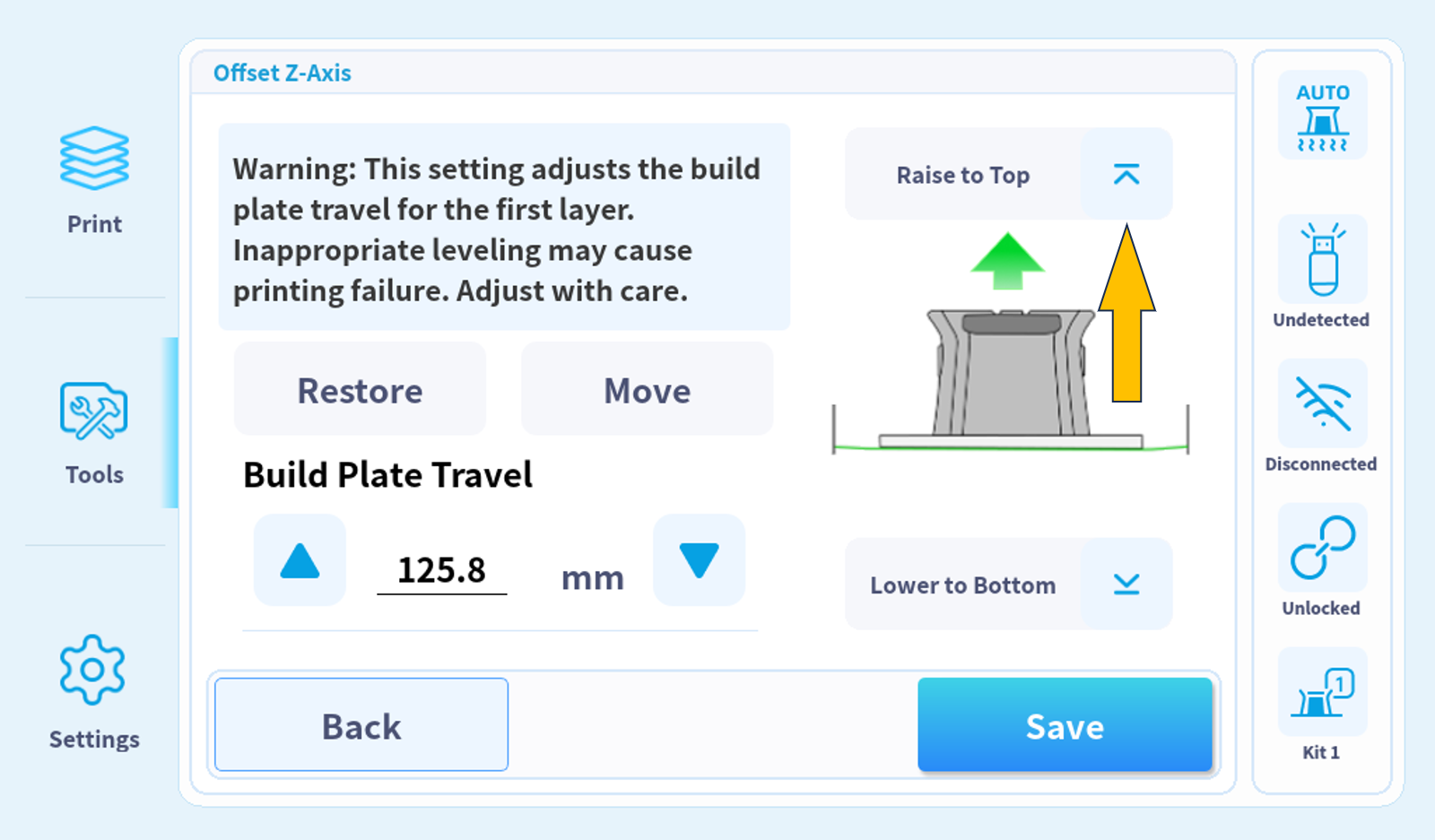
8.Click on "TOOLS-OFFSET Z-AXIS-MOVE TO TOP" to lift printing platform.
9. Click on "Network" to configure network connection (on-demand).