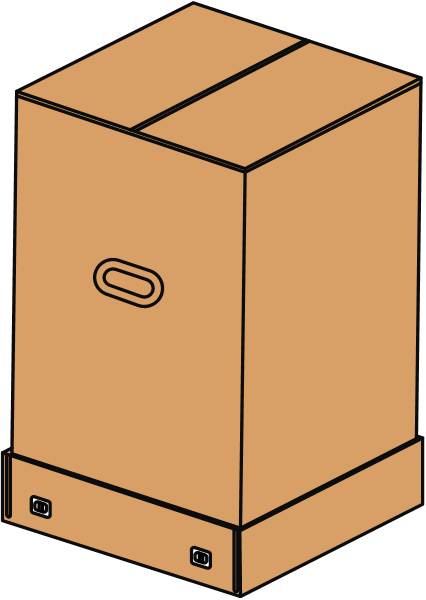
1. Packaging inspection.
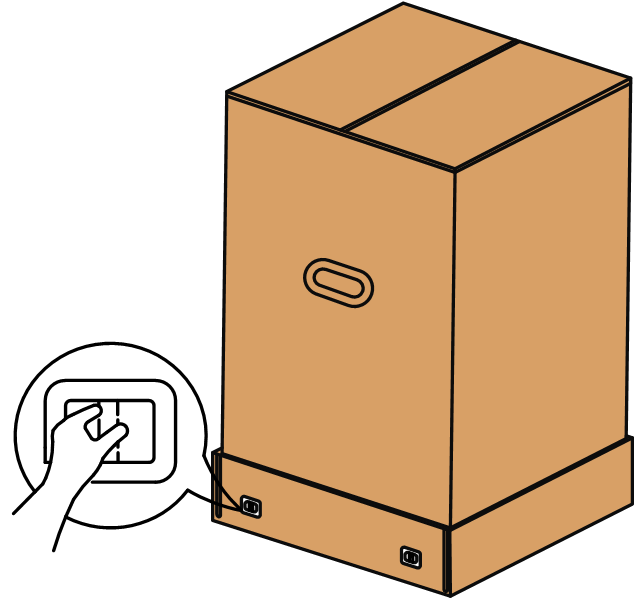
2. Pinch and pull to remove the clip.
3. Open the outer box and take out the accessory box and the upper foam.
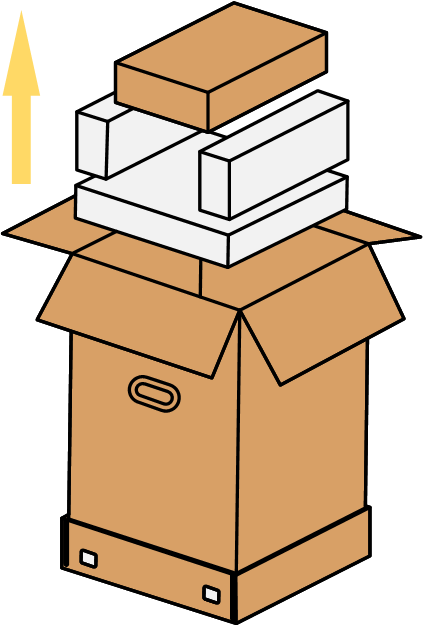
4.Remove the resin tank kit.
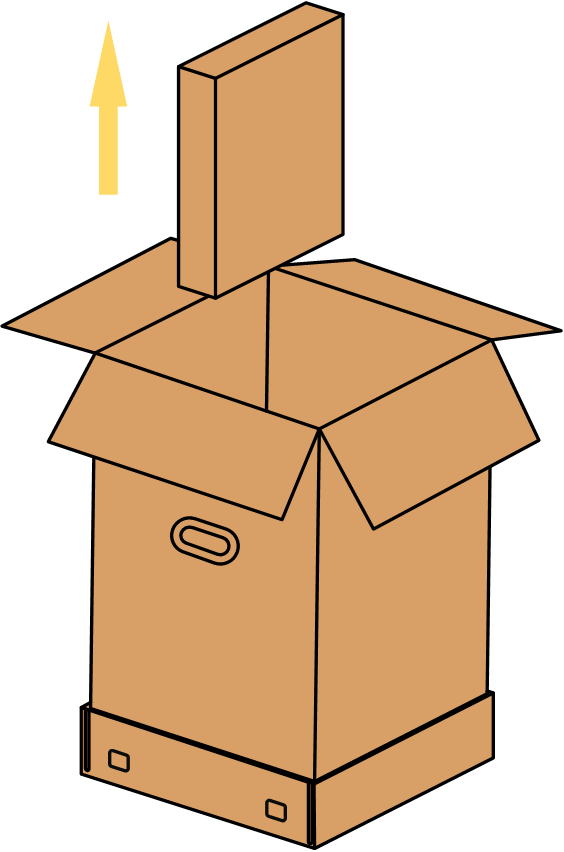
5. Lift the outer box off.
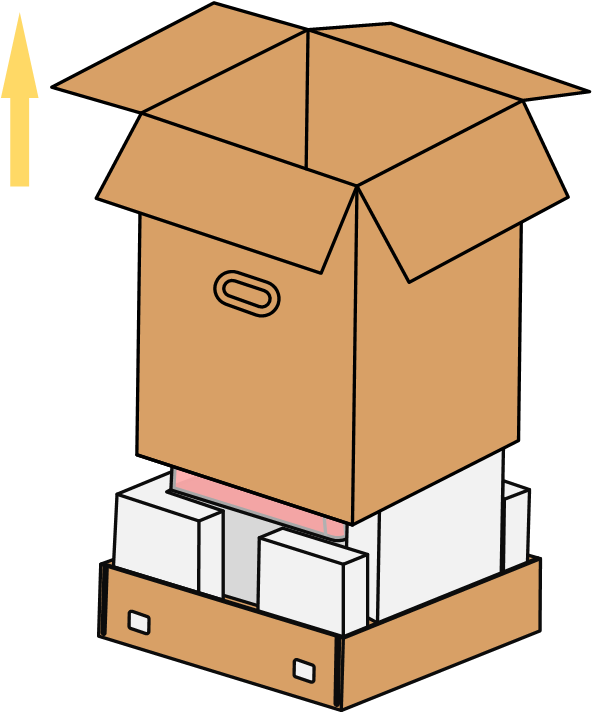
6. Remove the plastic bag.
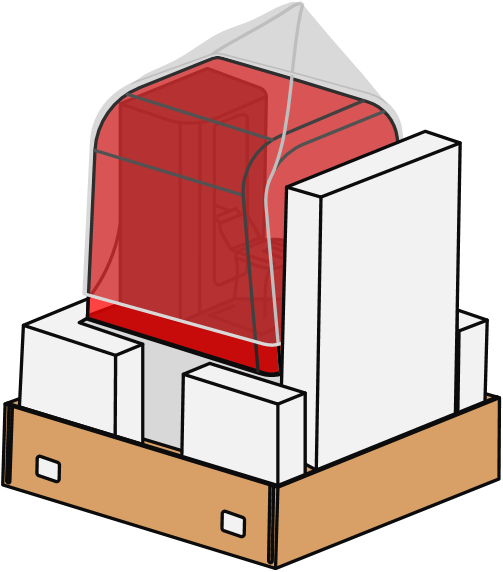
7.Prepare the desktop in advance.
Desktop size: ≥500mm x 500mm; Table load capacity: ≥ 30kg
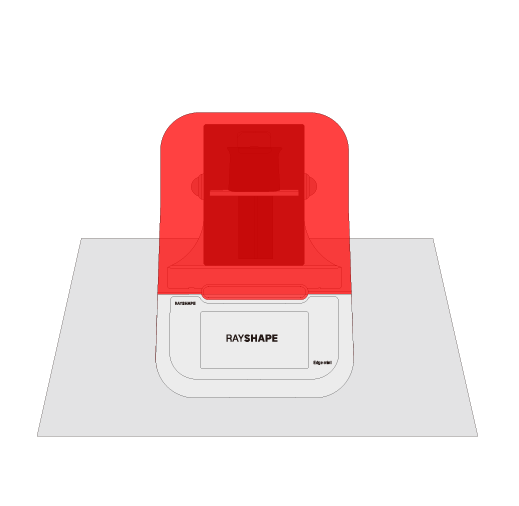
8. Check the appearance of the printer.
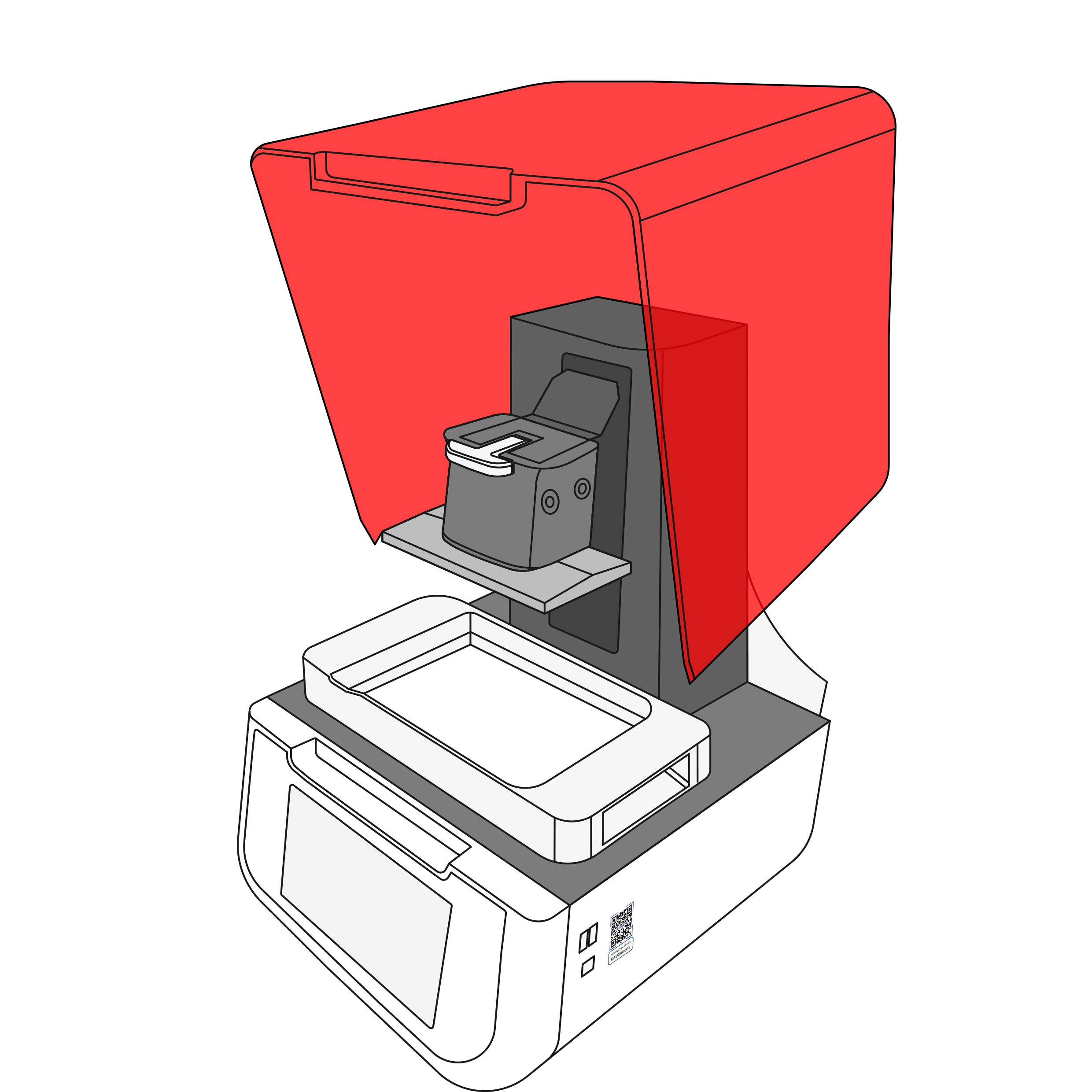
9. Scan the QR code on the right side of the device to access the operation guide.