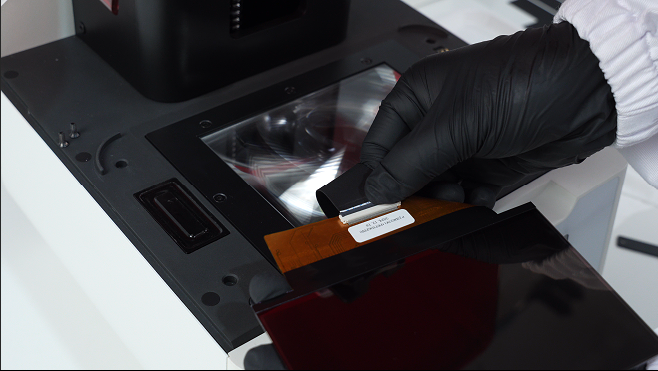
Wireless Connection
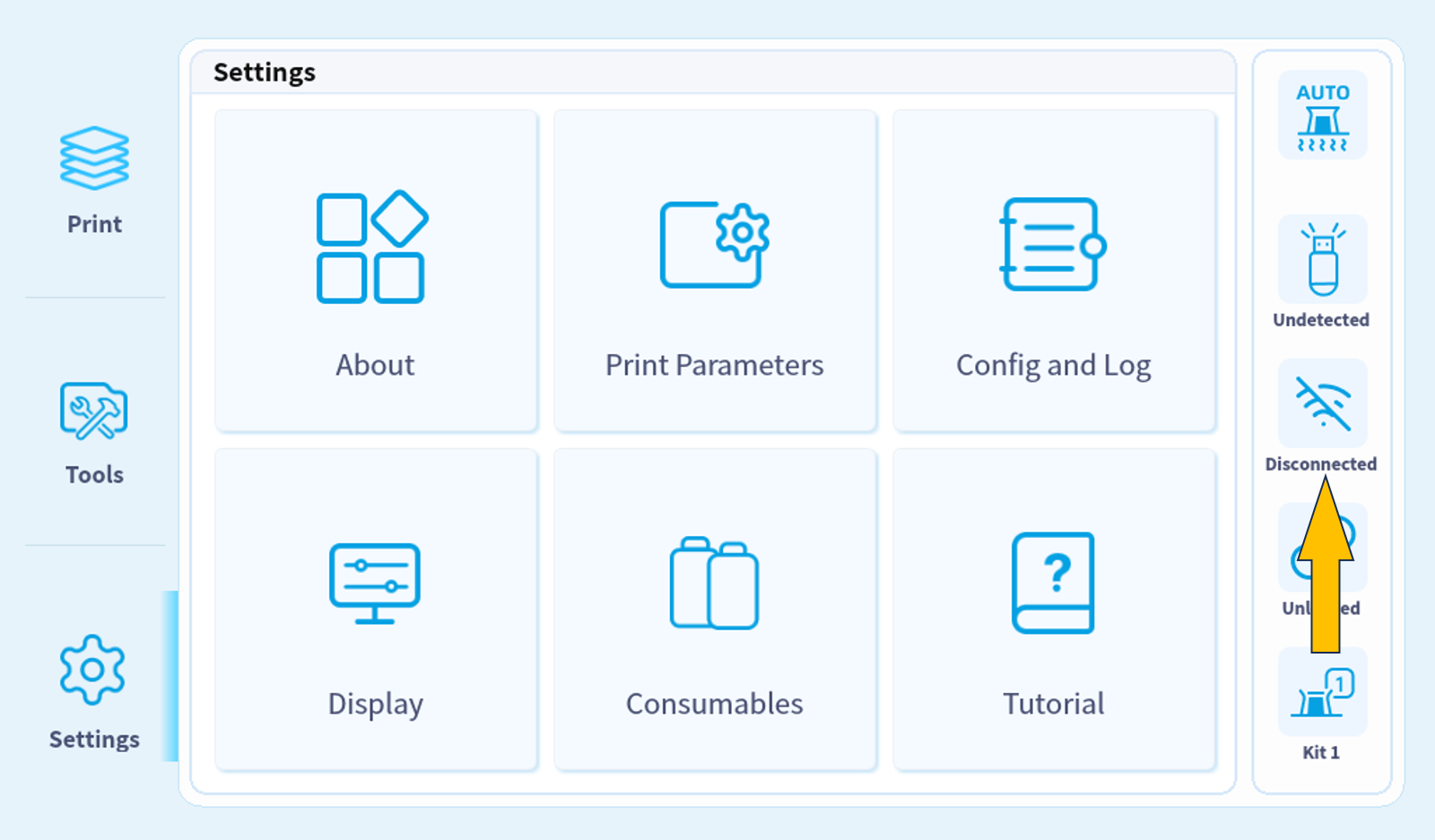
1. Click on the network connection icon on the right bar.
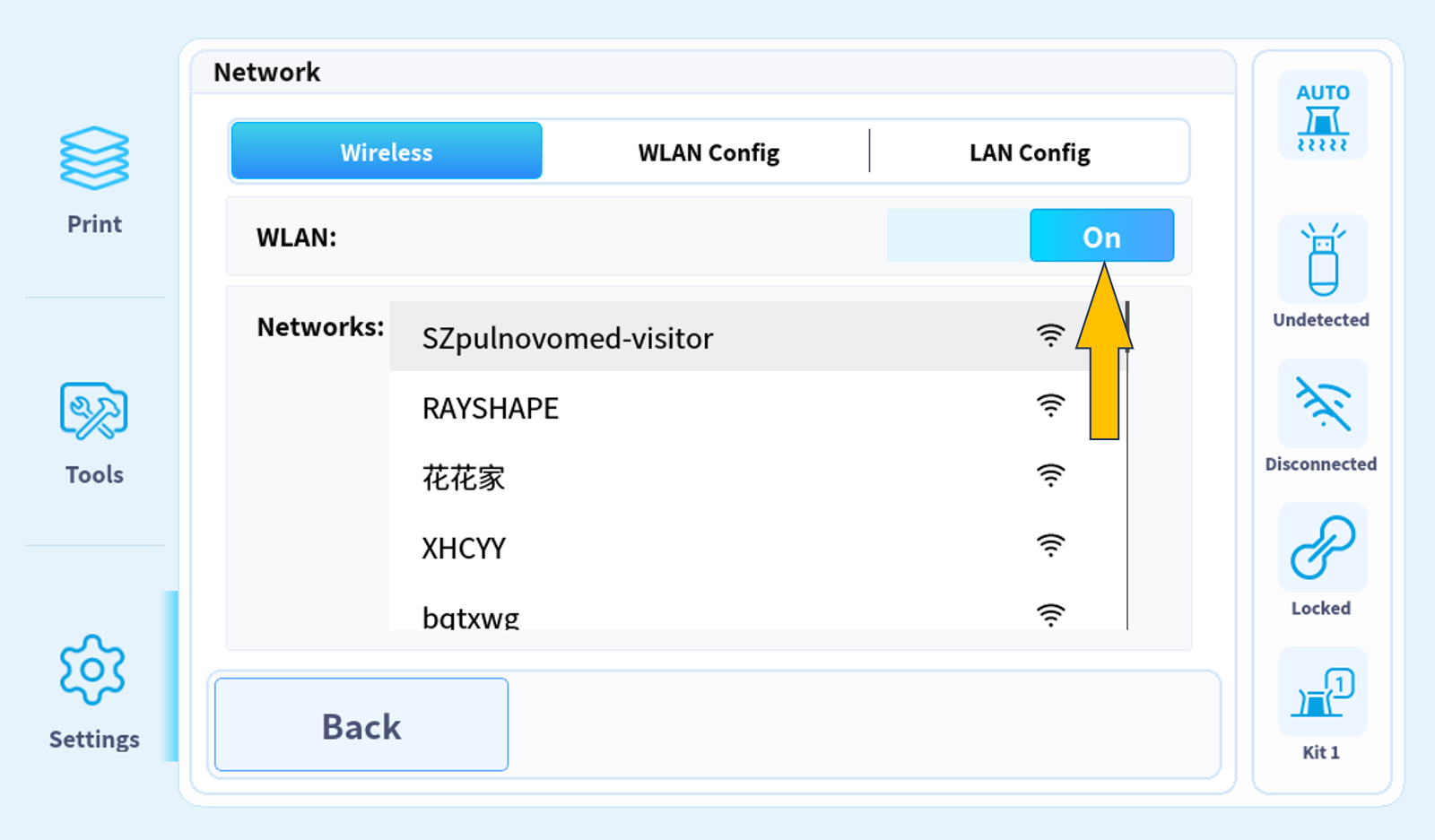
2. Turn on the Wireless Network Connection.
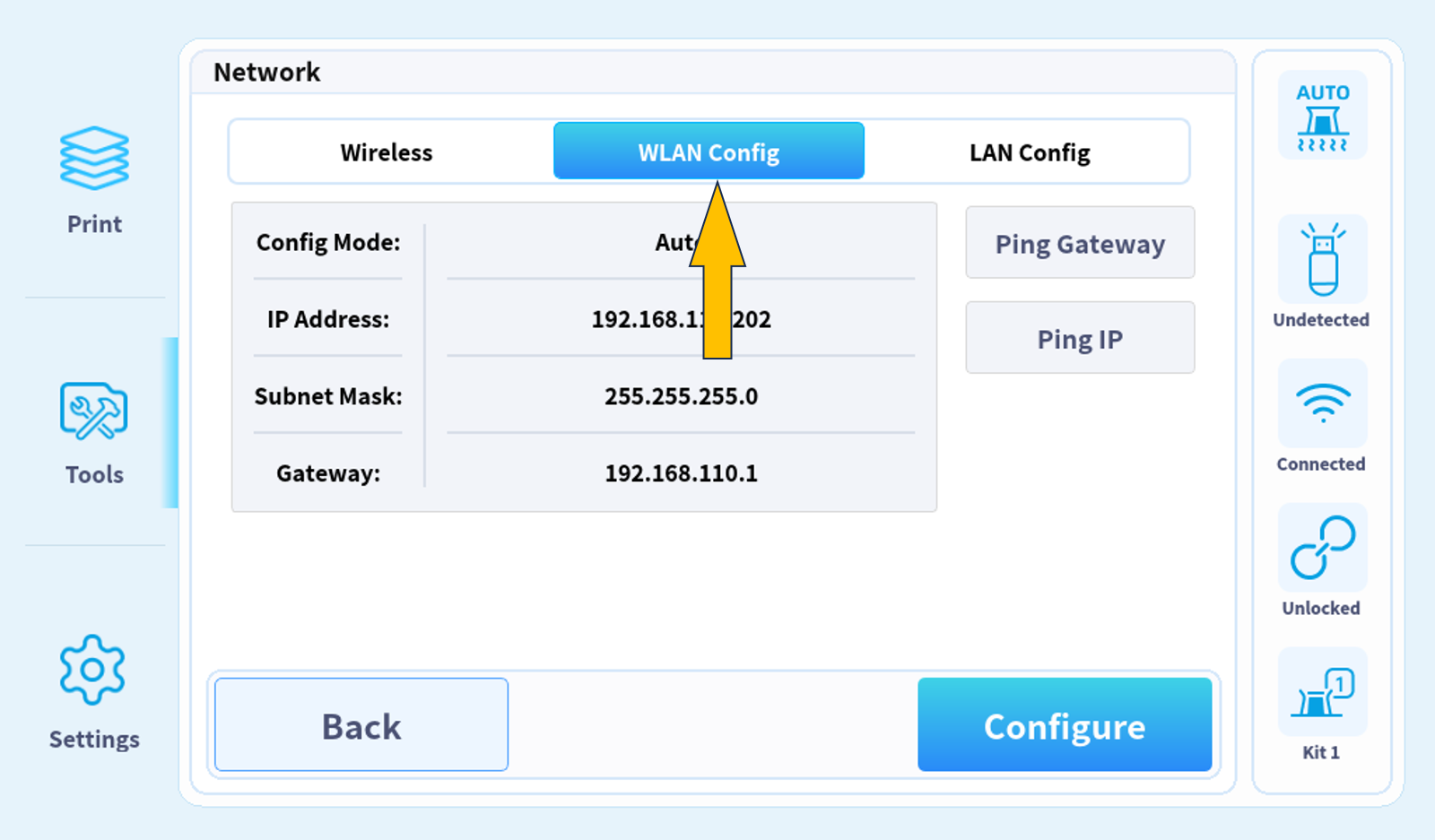
3. Click on "WLAN CONFIG" for network information.
Ethernet Connection
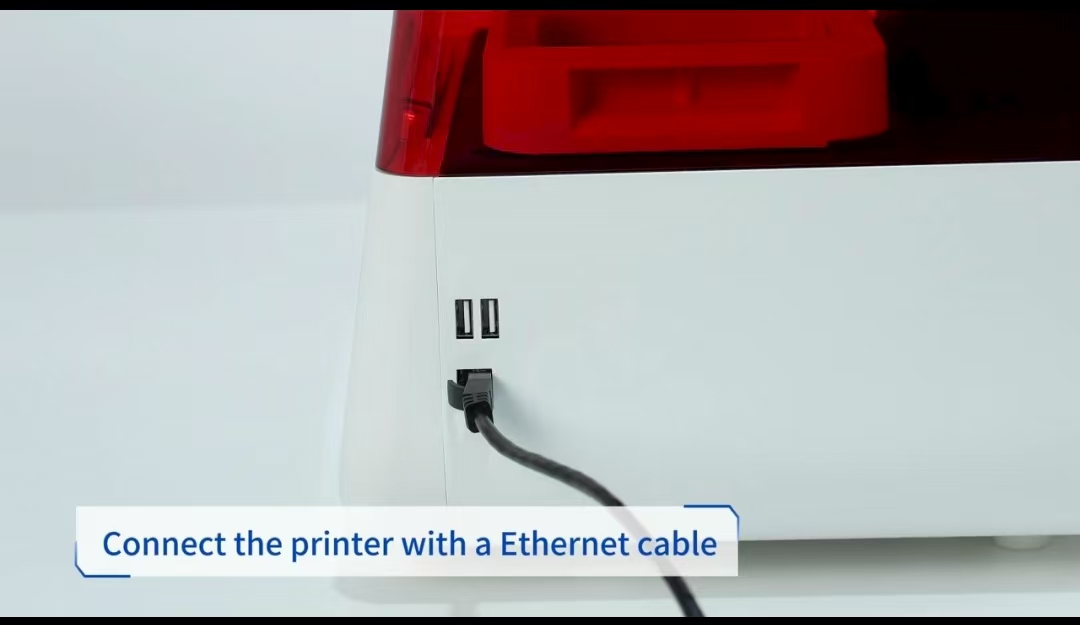
1. Connect the printer with a Ethernet cable.
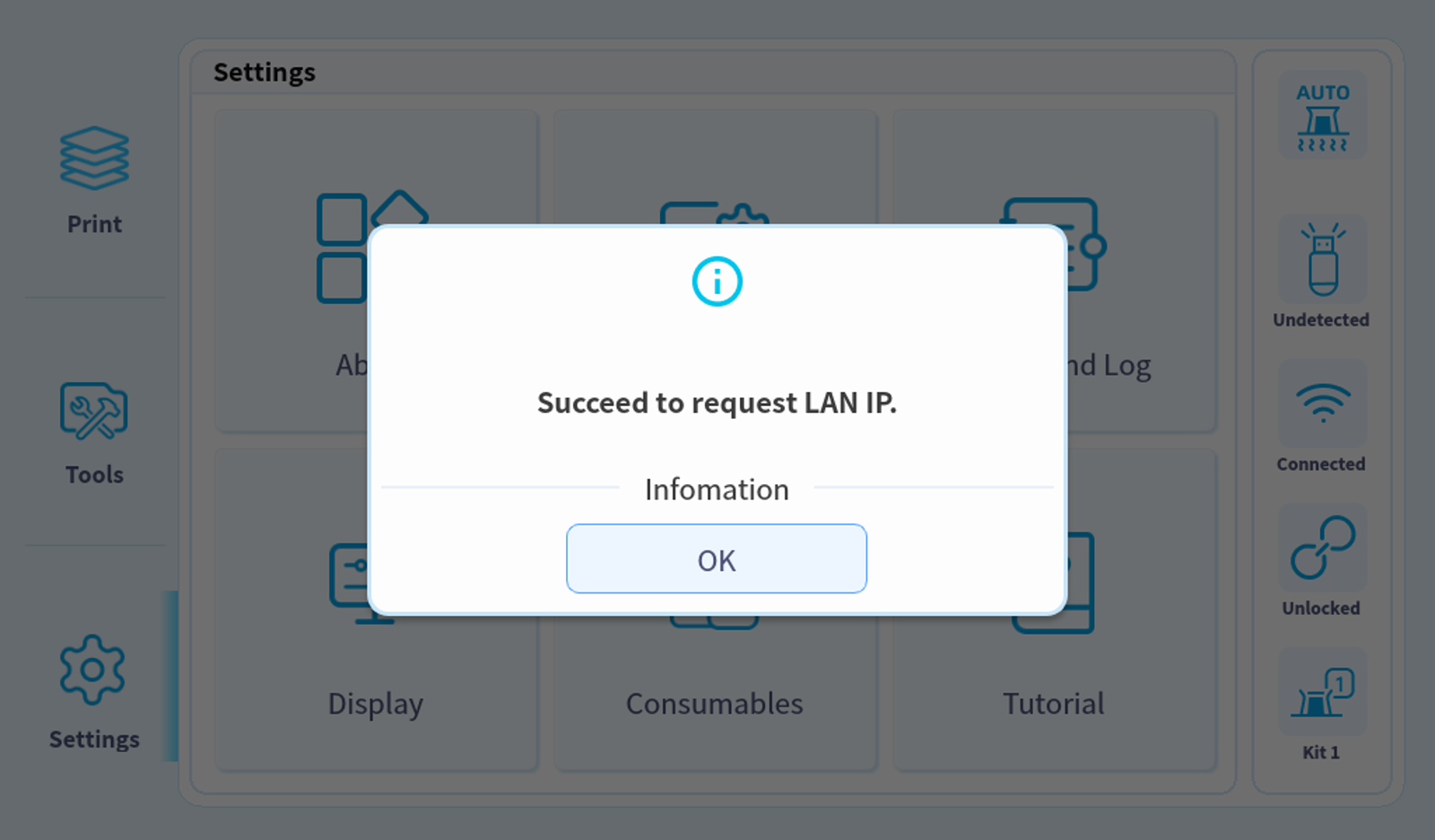
2.There will be a pop-up reminder after the automatical connectin is completed.
3. Click on the network connection icon on the right bar.
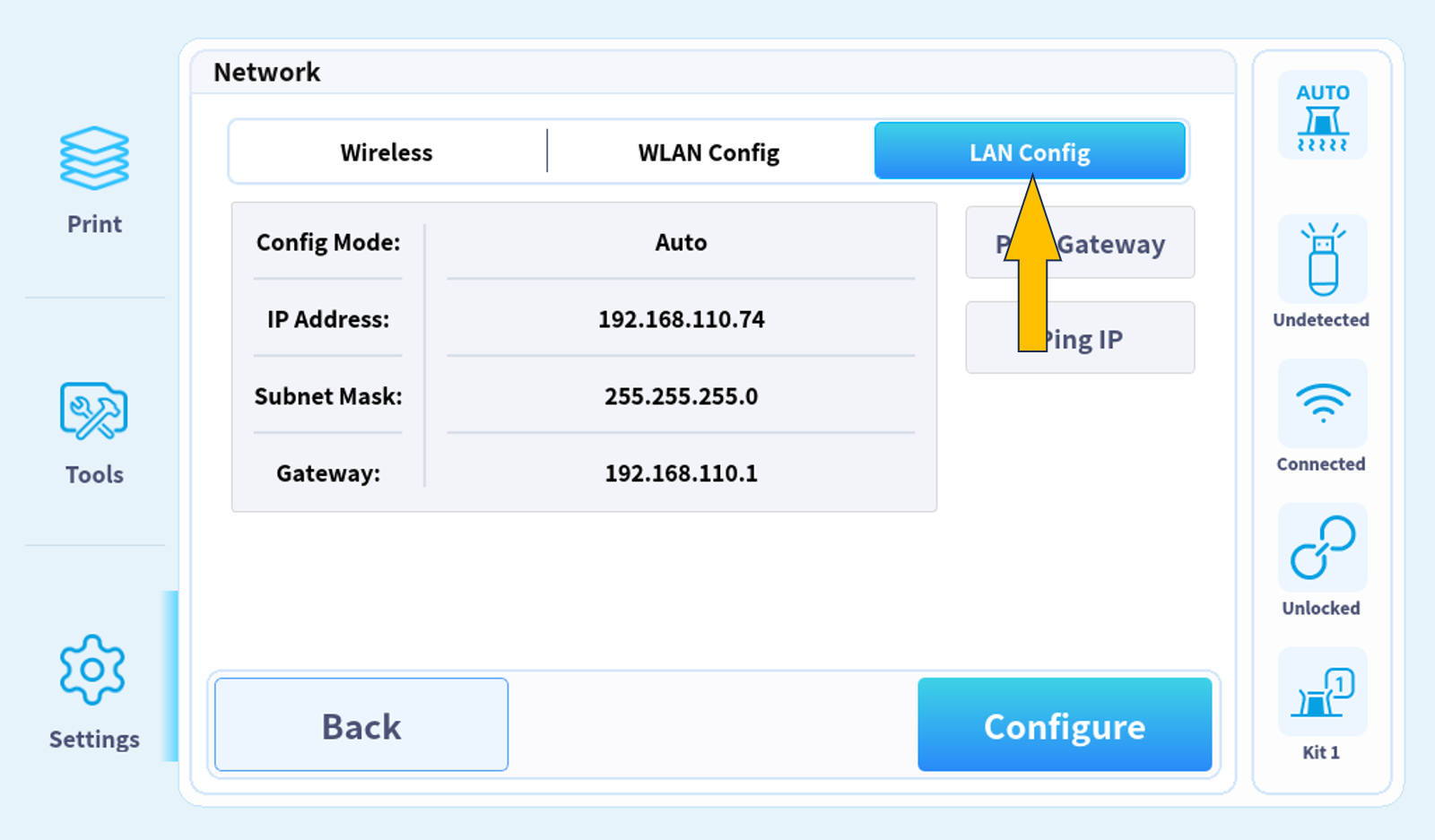
4. Click on "LAN CONFIG" for network information.