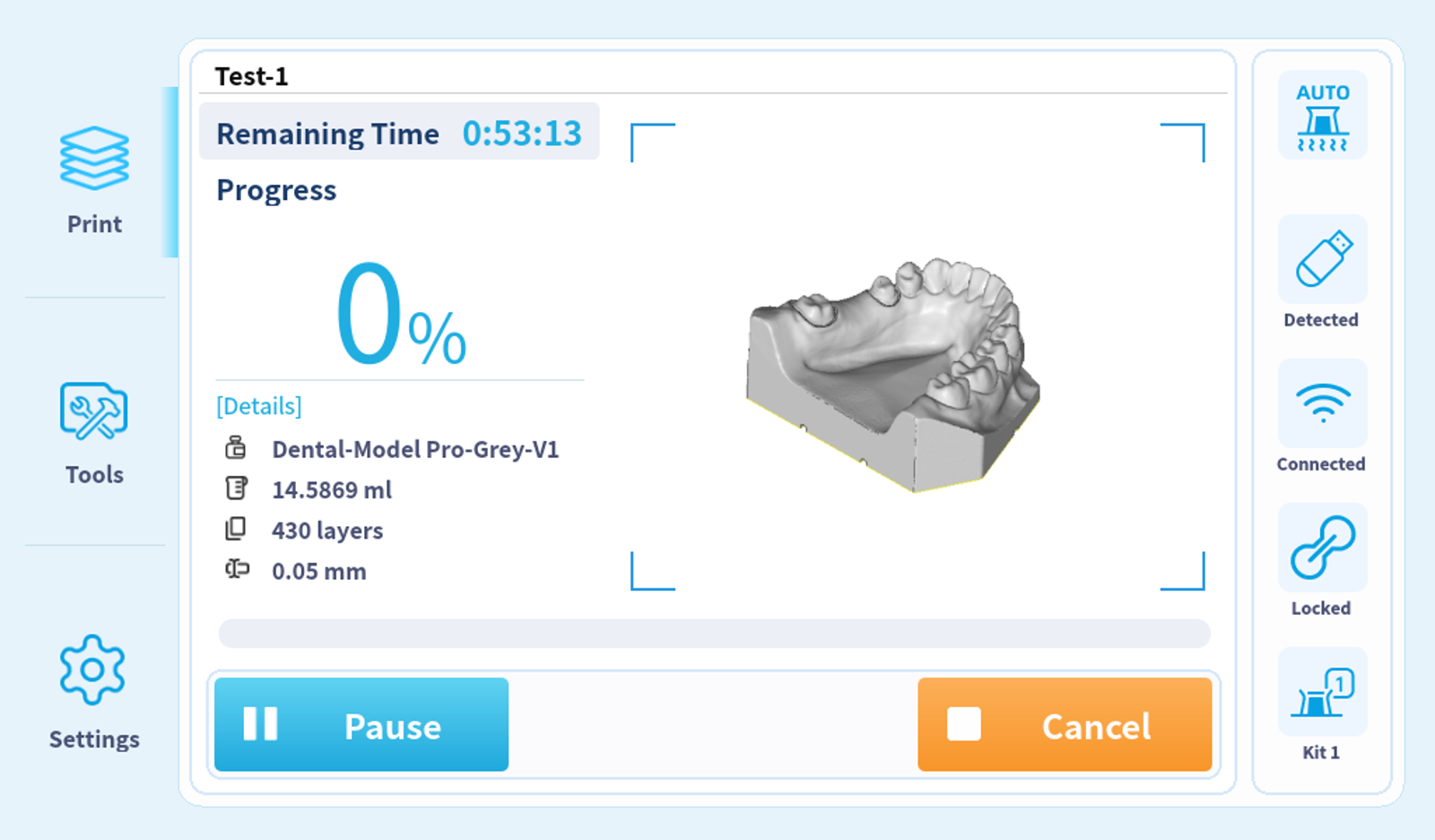
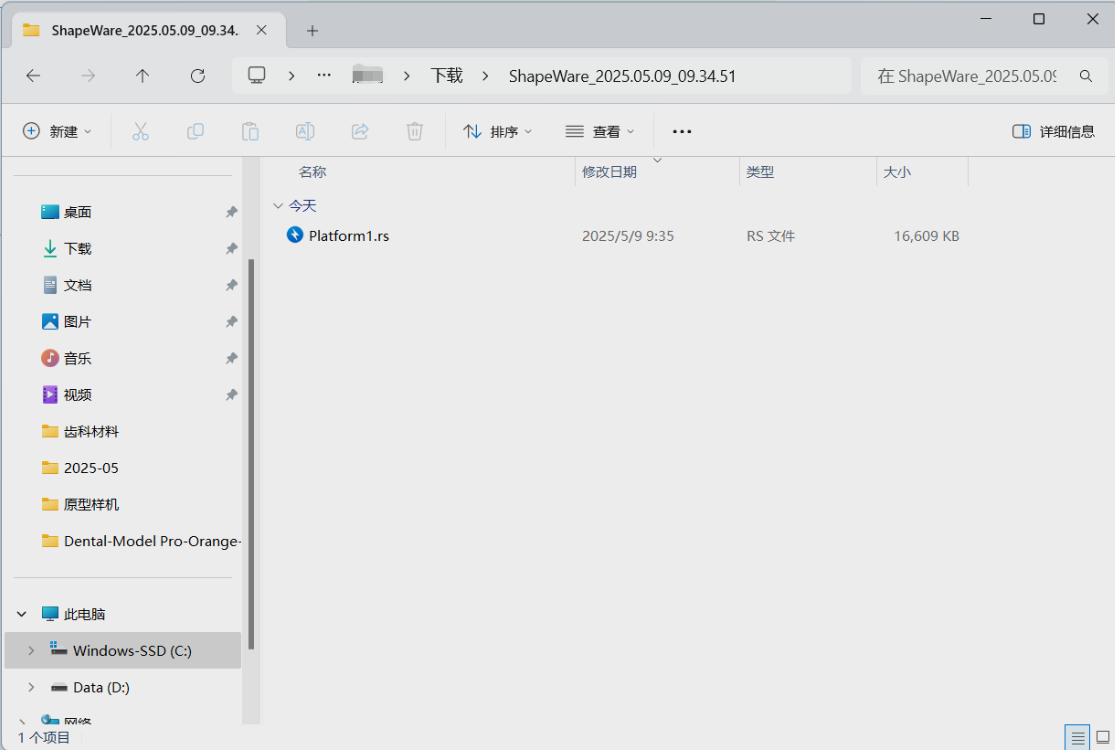
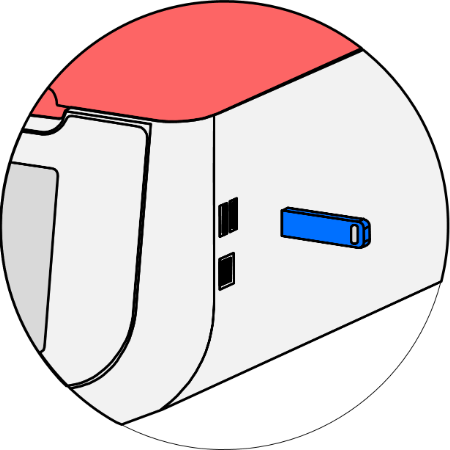
1. Note that the file needs to be placed in the root directory of the USB drive.
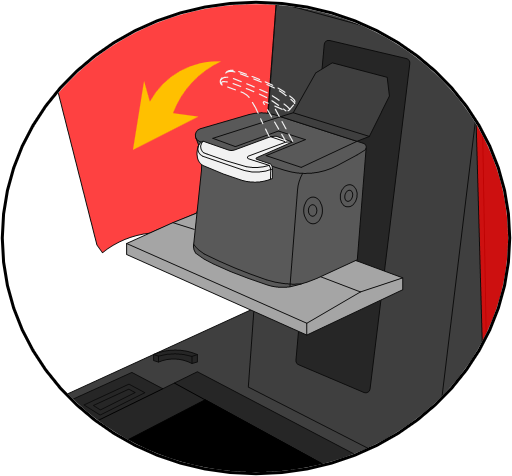
2. Install printing platform.
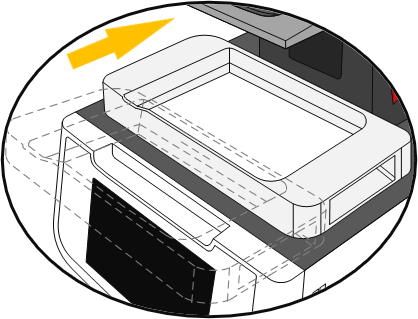
3. Install resin tank.
4.Click on "TOOLS - CLEAN RESIN TANK - CURE" to remove cured debris in the resin tank (on-demand).
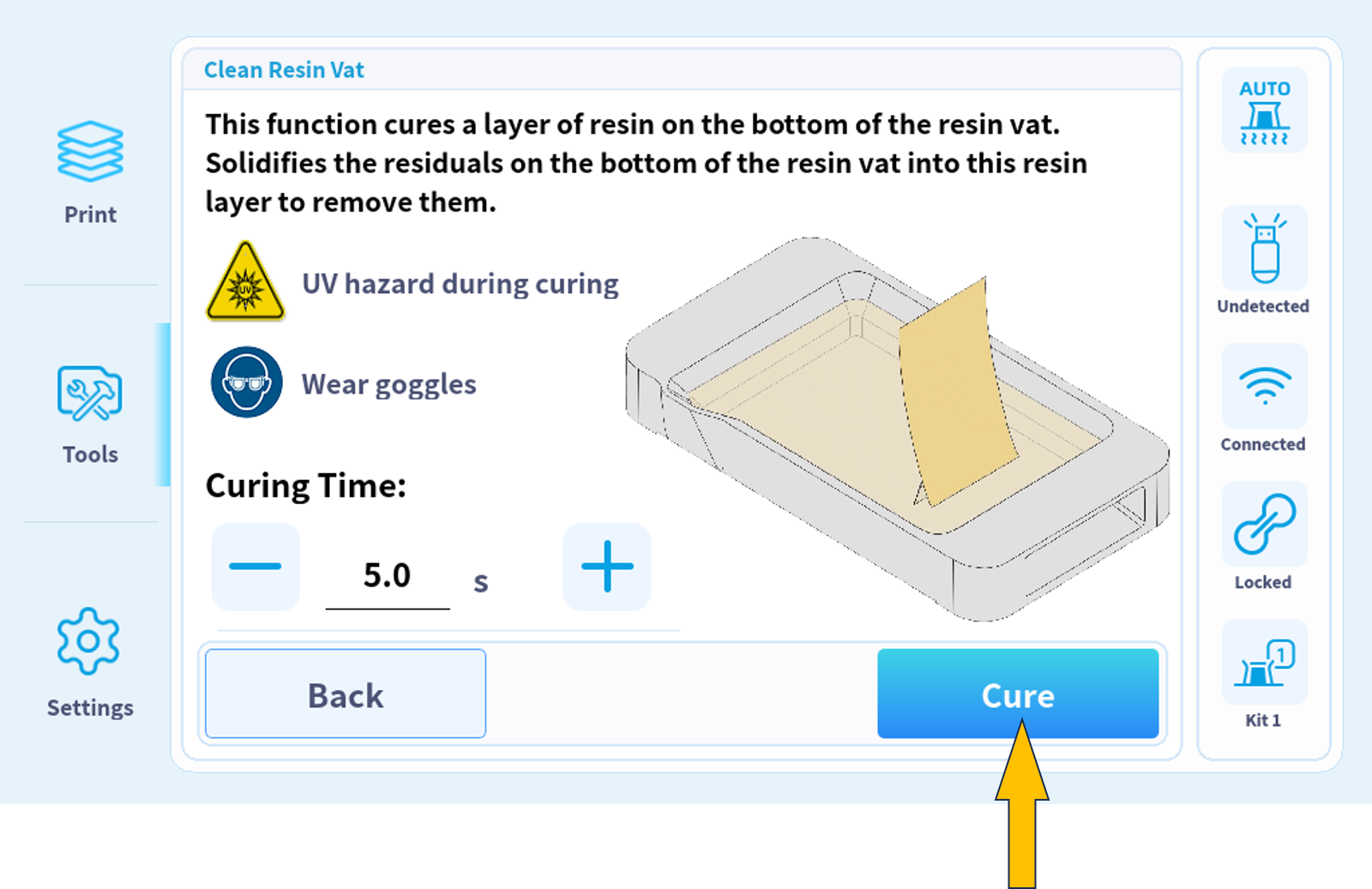
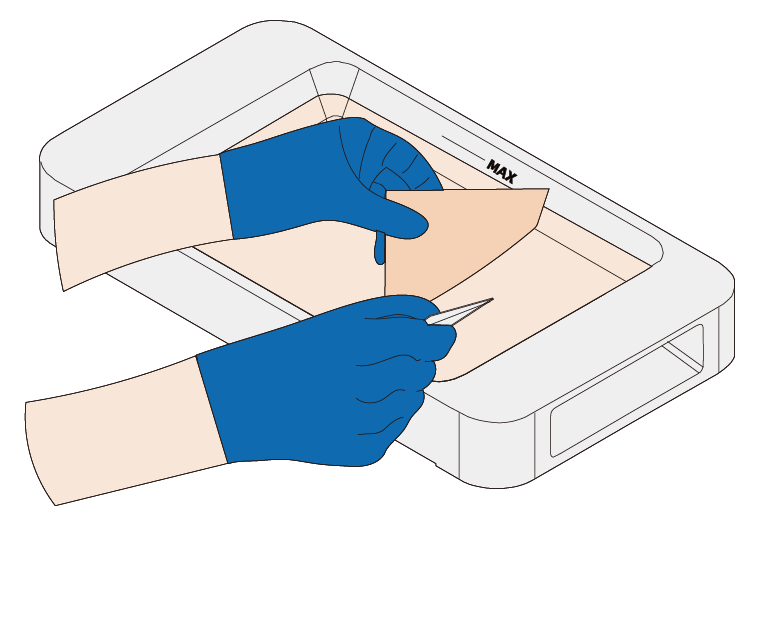
5. Take out the cured film.
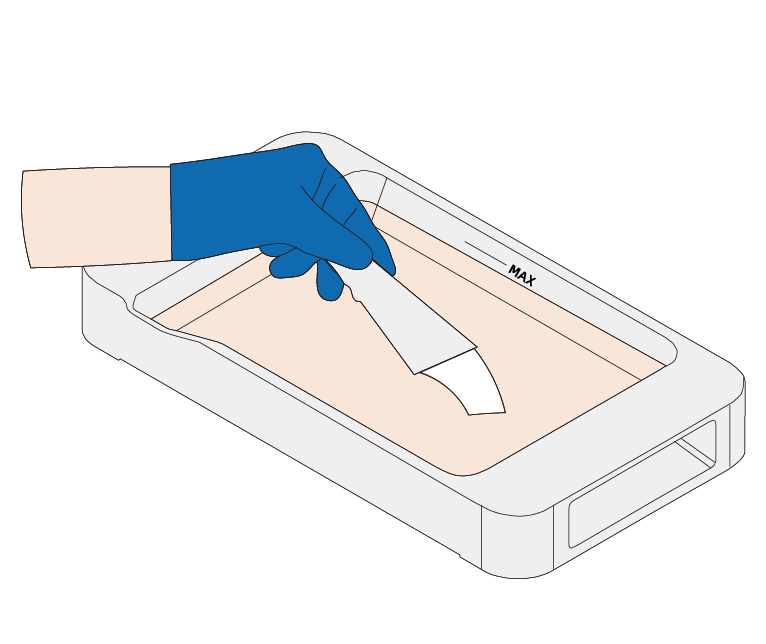
6. Stir resin in the tank, and add new resin after shaking if needed.
7. Transfer print jobs via a USB drive or network.
8. Select a print job.
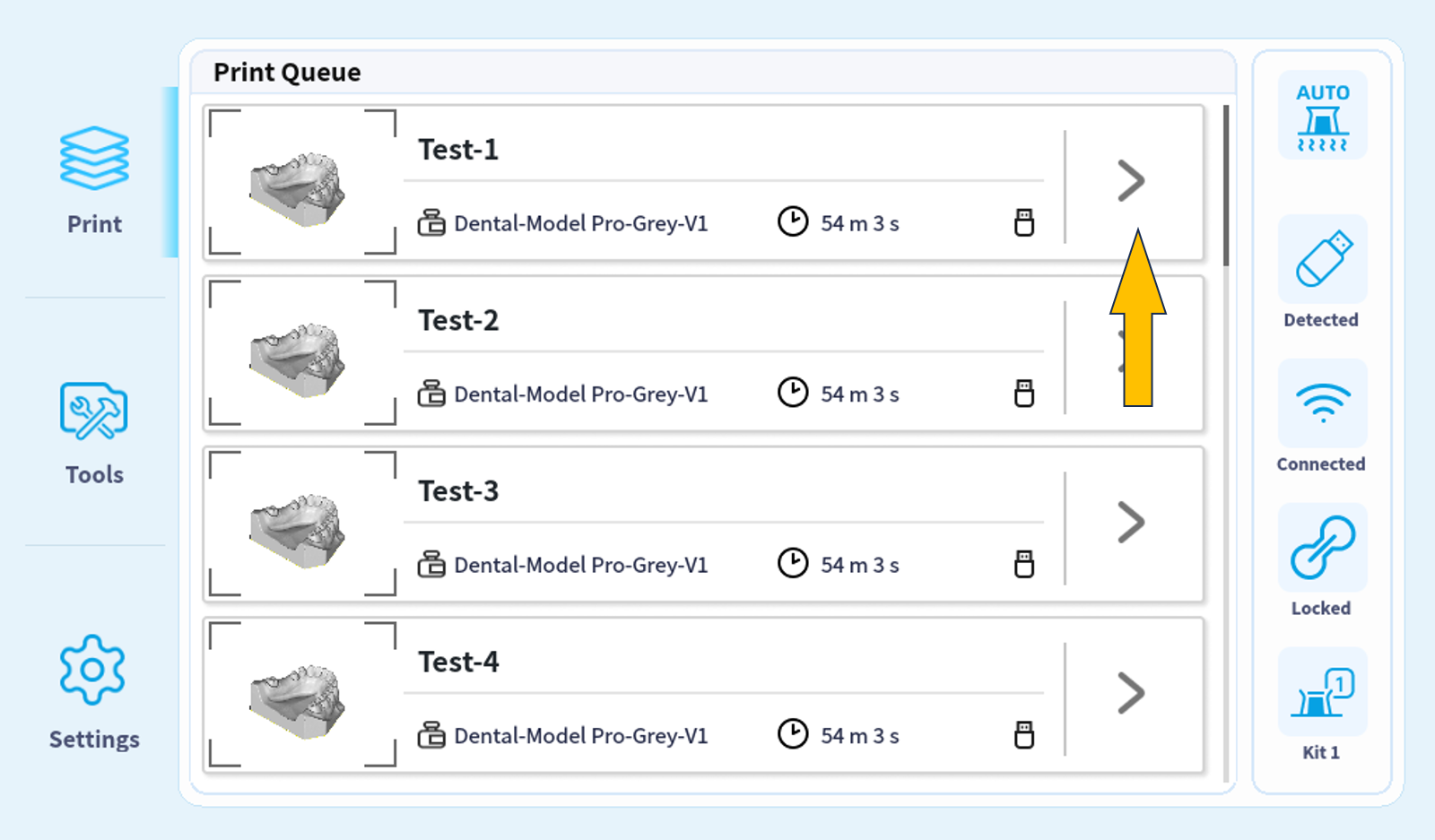
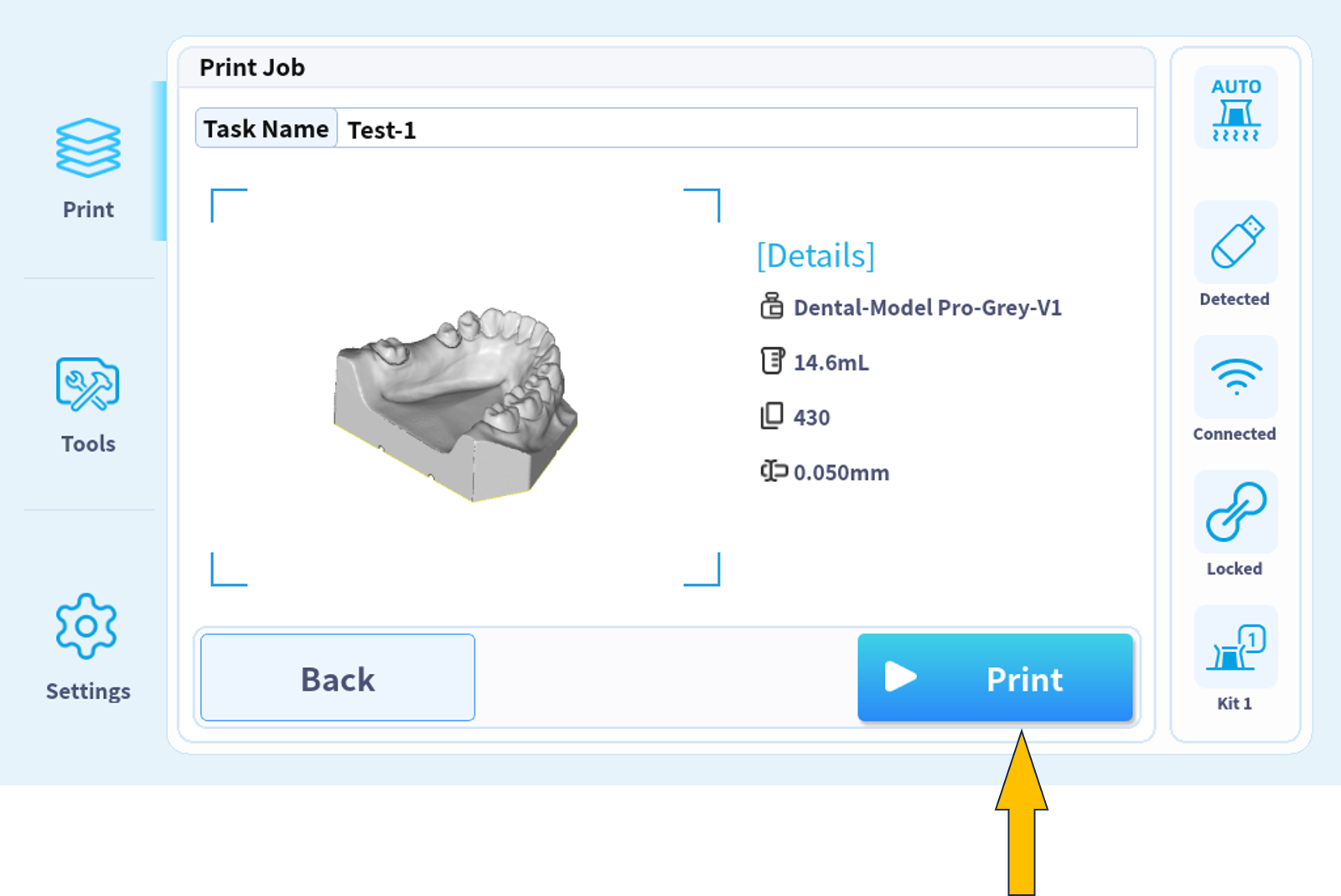
9. Check printing information.
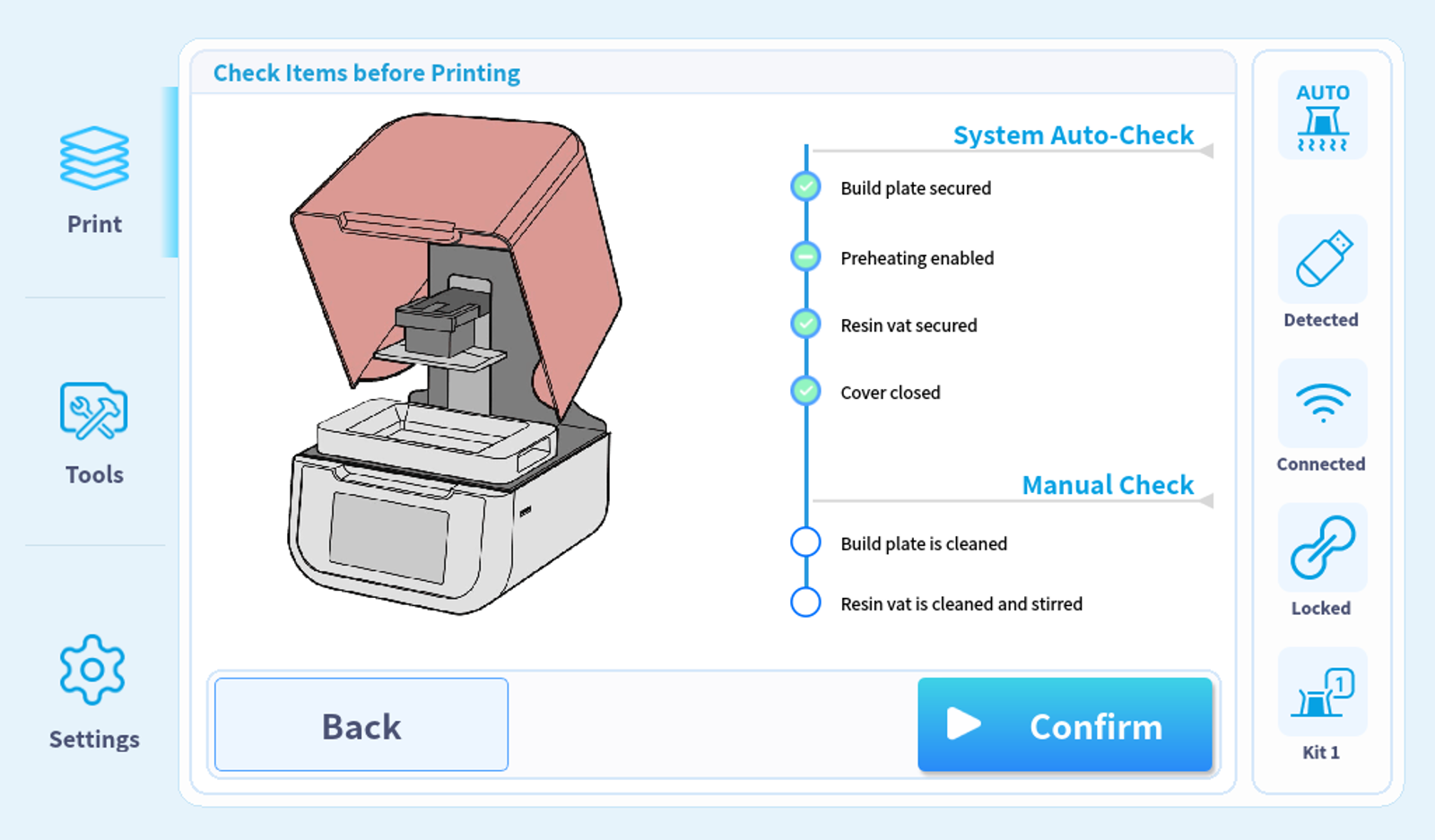
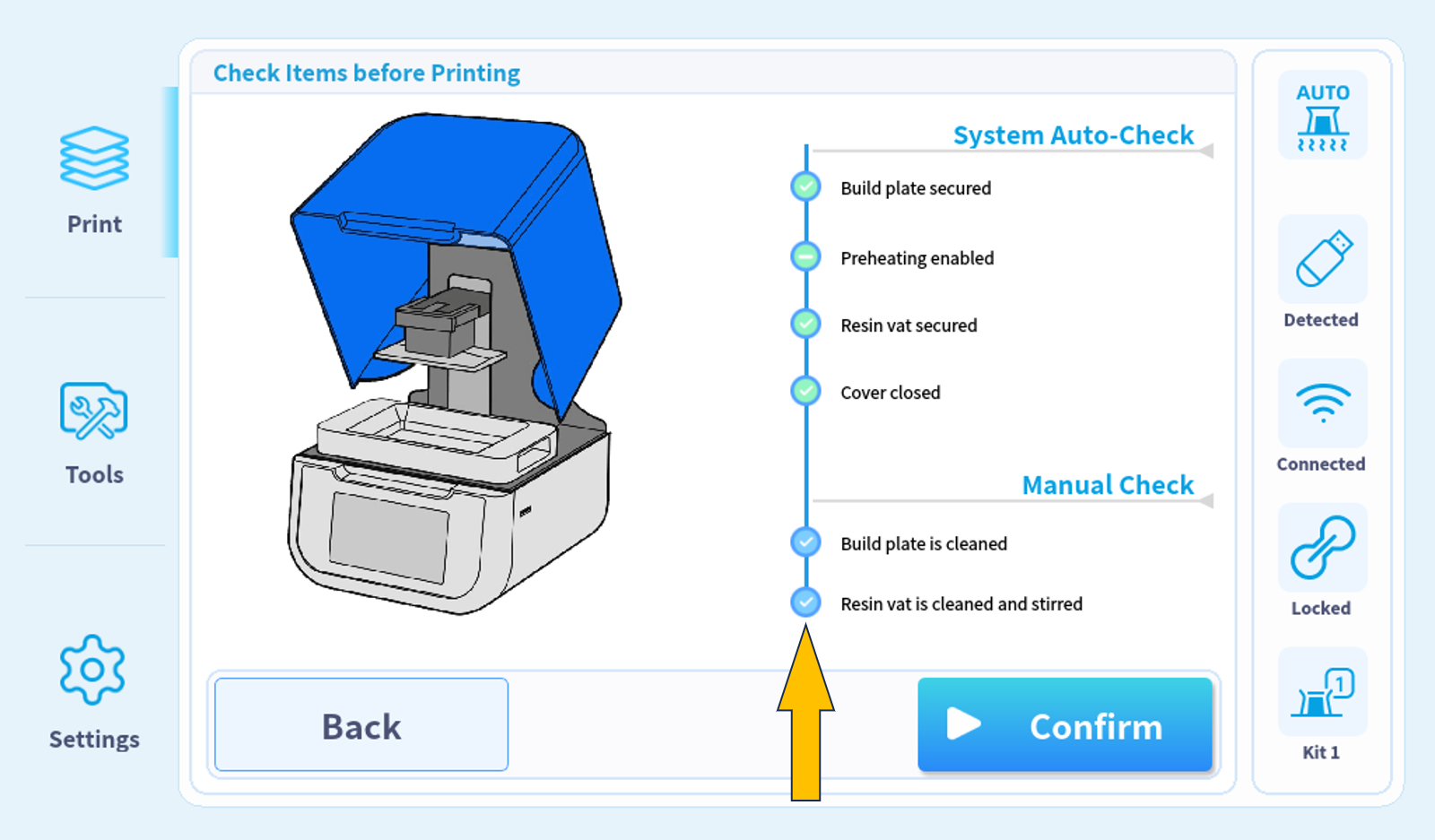
10. Confirm the printer status (The first four options are automatically confirmed).
11. Make sure the platform surface is clean.
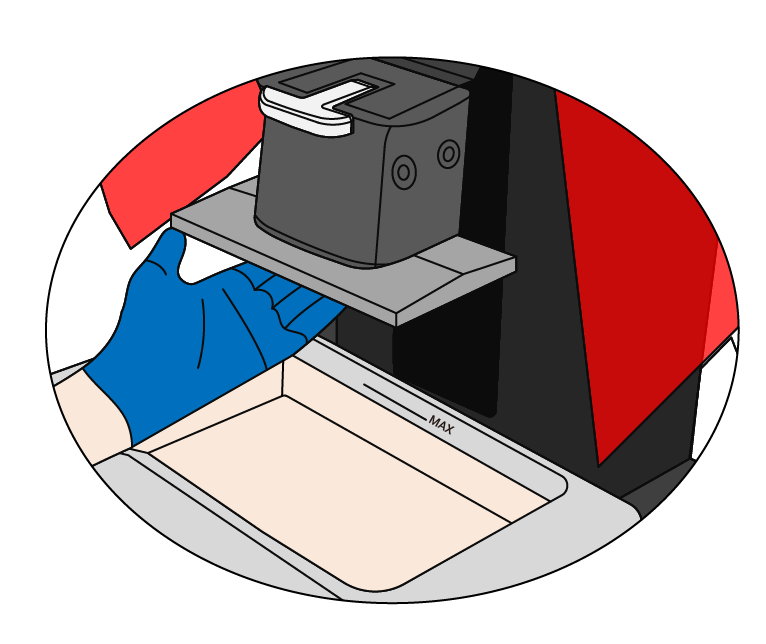
12. Make sure the bottom of the resin tank is clean.
13. Manually check platform and tank status items.
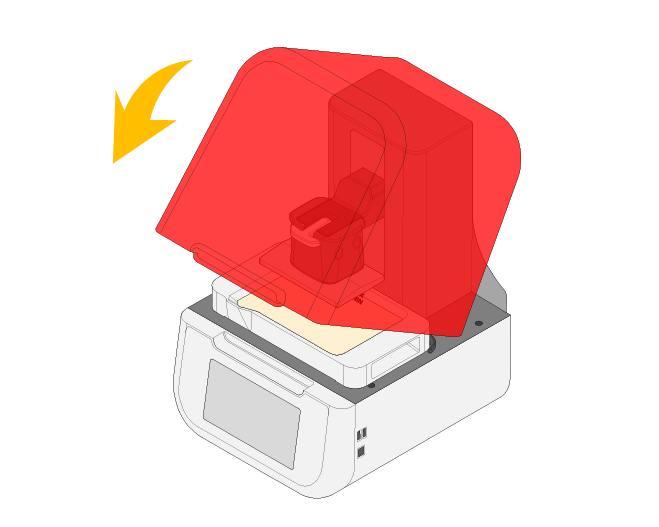
14. Close the cover.
15. Start printing.