
1. Wipe the printing platform with a dust-free cloth to ensure that the platform surface is clean, and then install the platform back on the printer.
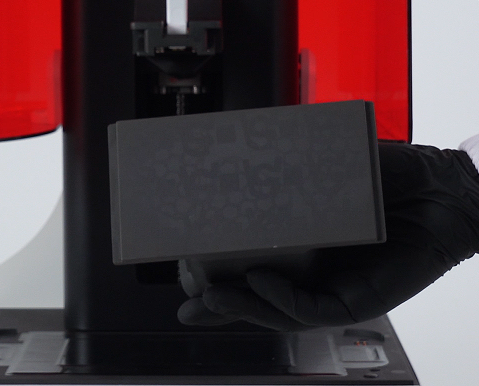
2. Loosen the four screws on the platform anticlockwise, pay attention not to completely remove the screws.
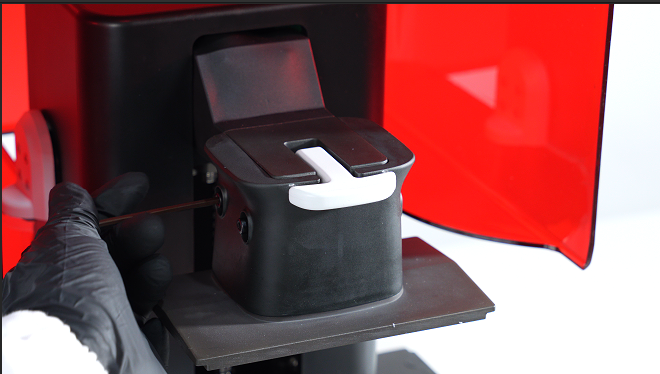
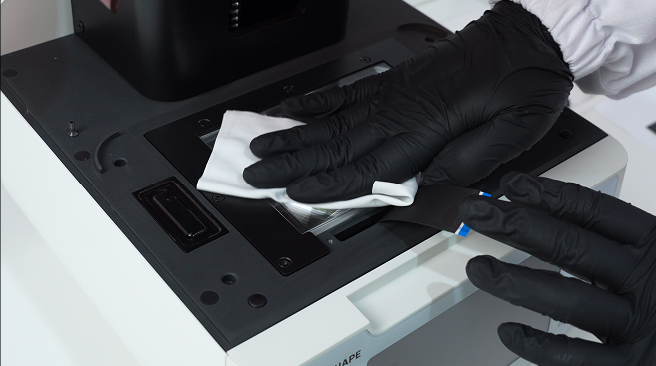
3. Wipe the LCD panel and resin tank with a dust-free cloth.
4. Click on "TOOLS-OFFSET Z-AXIS", input 100 as the target distance and click on "MOVE".
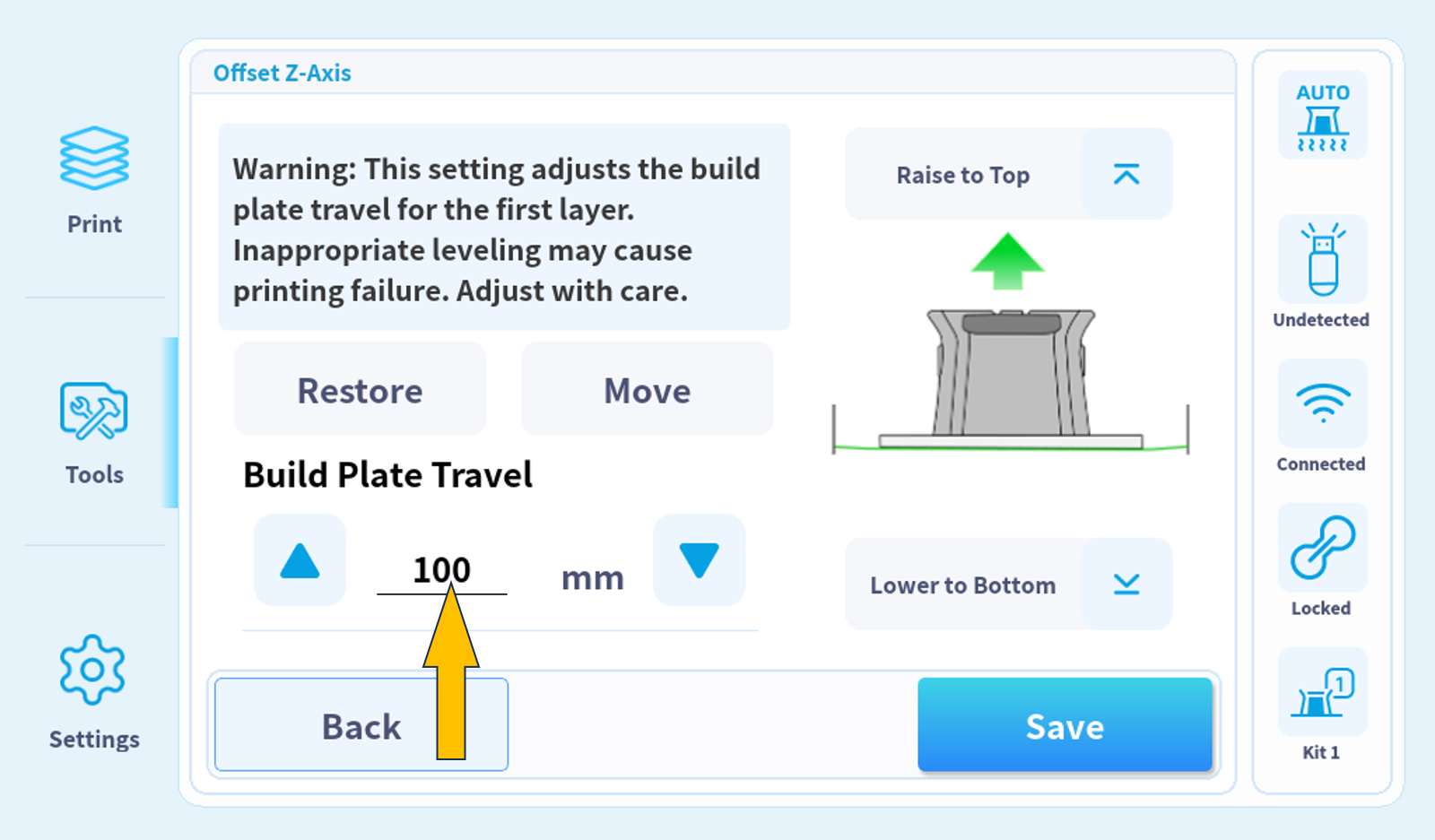
5. Increase the input value by 0.1 each time when the platform approaching the bottom.
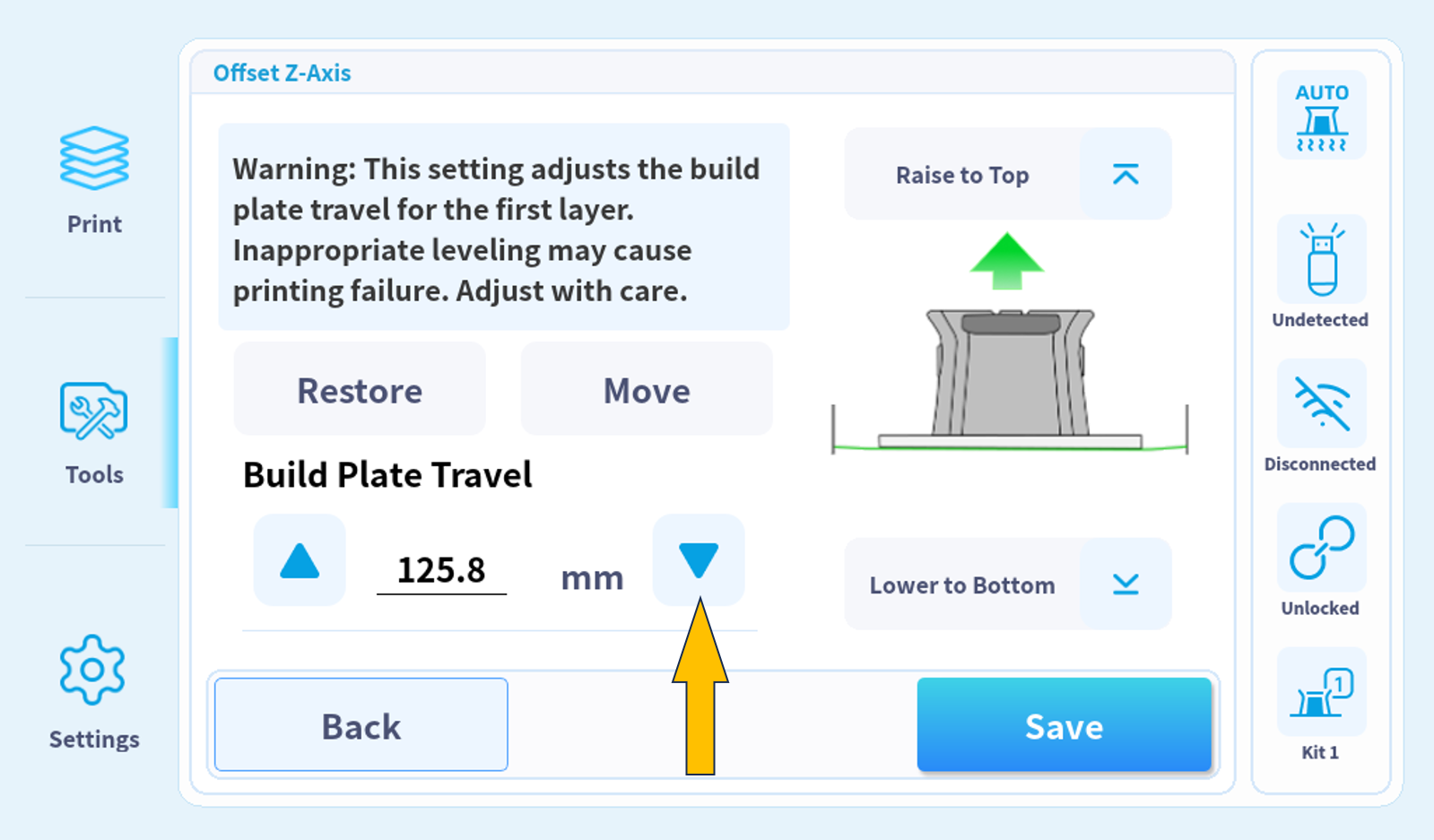
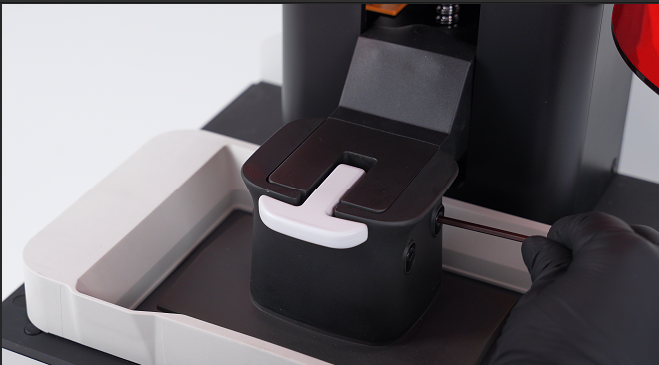
6. Stop until both the upper surface of printing platform and the cantilever are in the same plane.
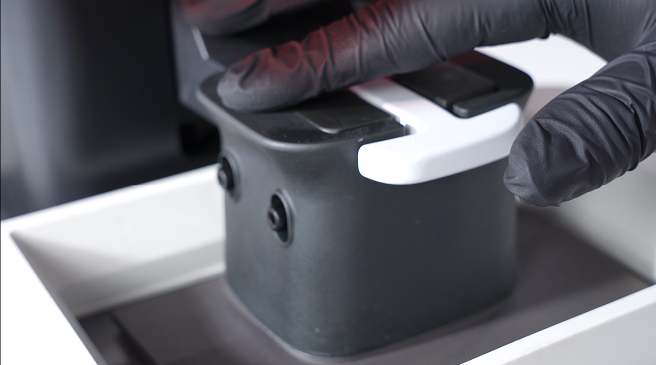
7. Tighten the four leveling screws on both sides in a cross-diagonal sequence.
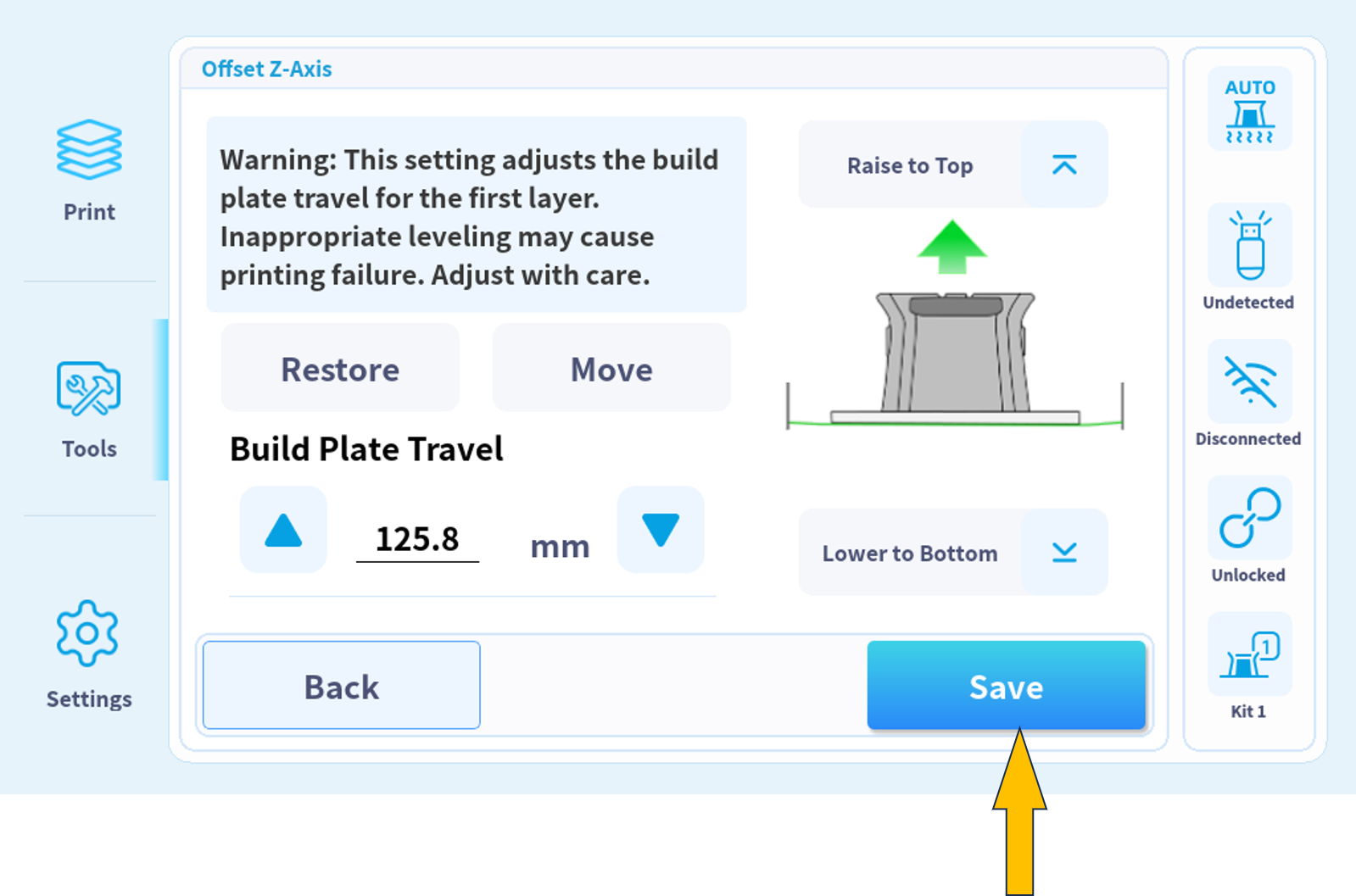
8. Click on "SAVE”.
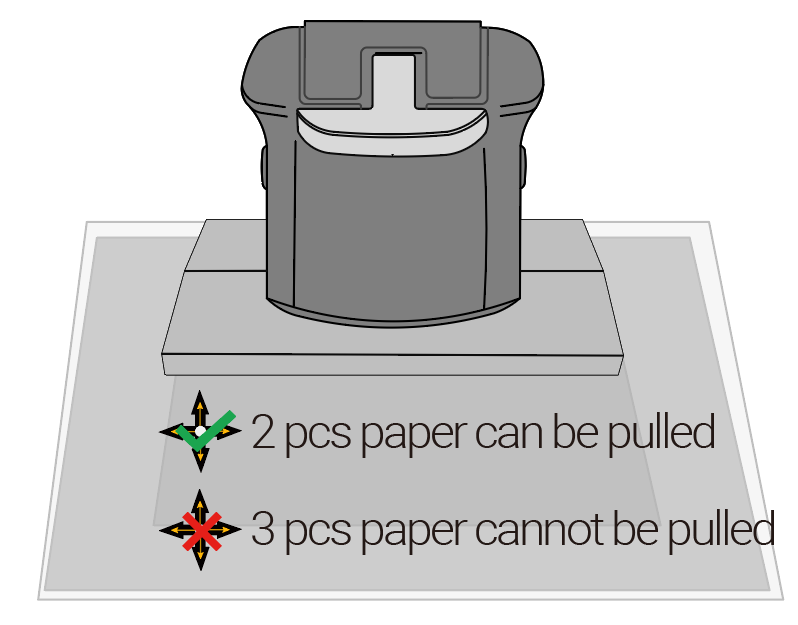
9. Check Platform Leveling.
10. Leveling for Printing Platform No. 2.
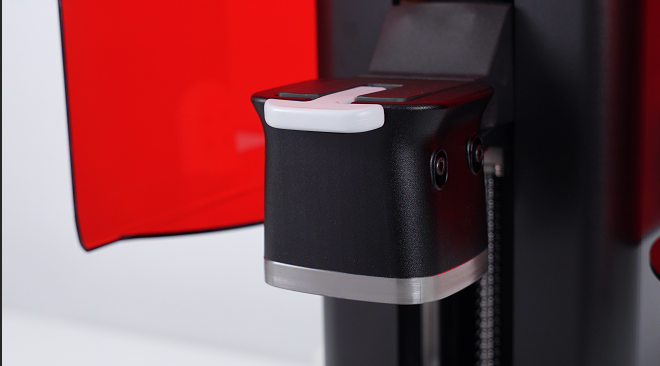
11. Loosen the four screws on the platform anticlockwise, pay attention not to completely remove the screws.
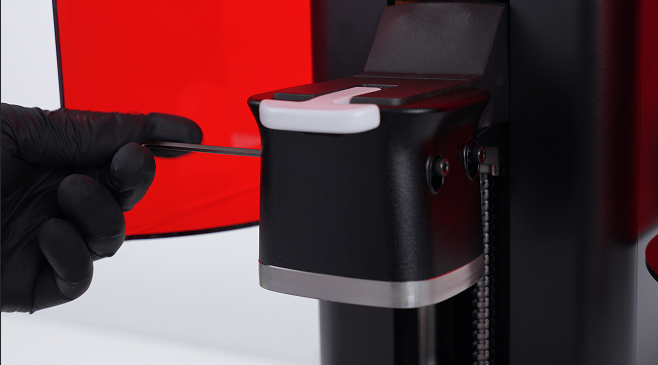
12. Click on "MOVE TO BOTTOM".
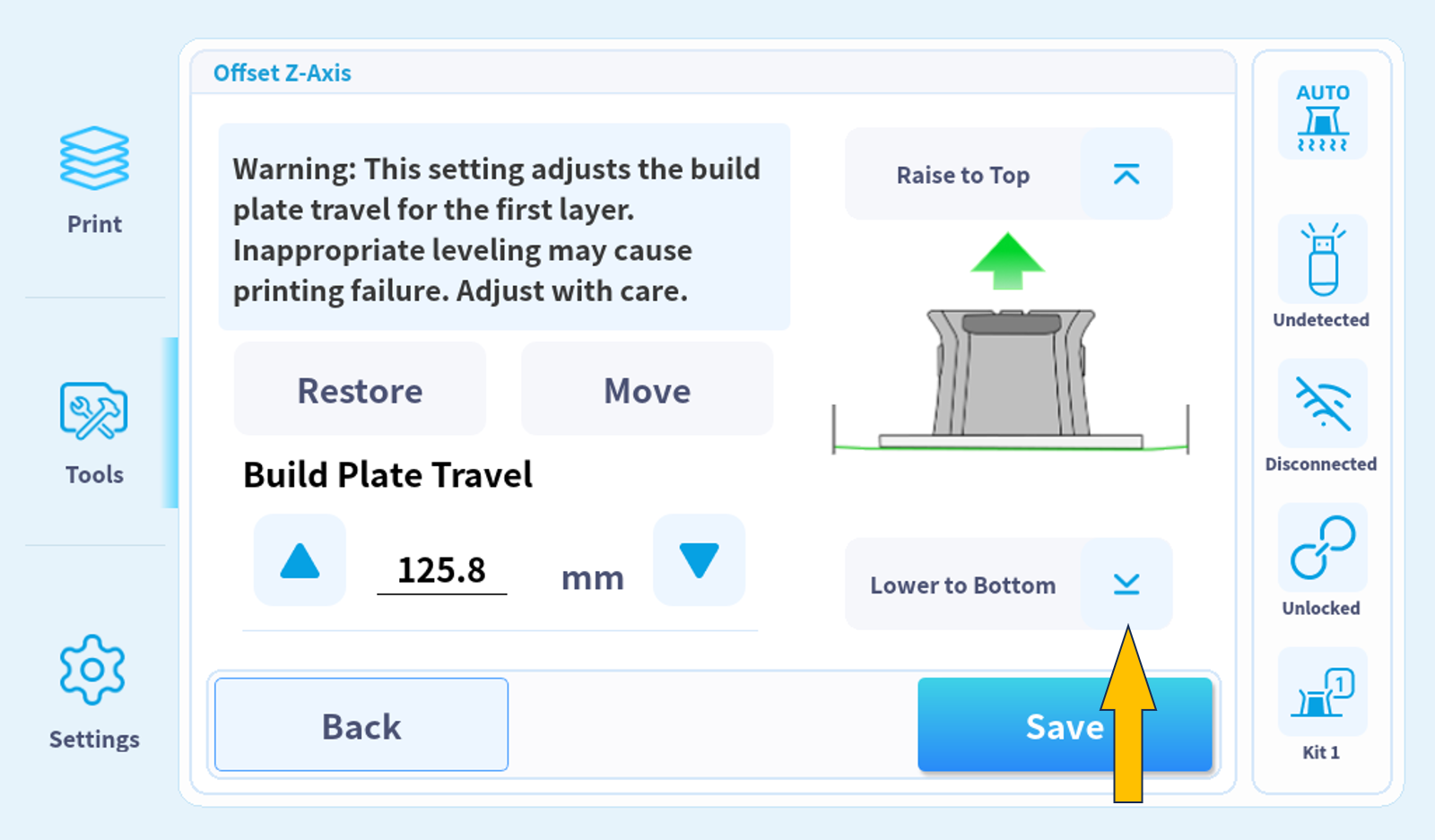
13. Tighten the four leveling screws on both sides in a cross-diagonal sequence.
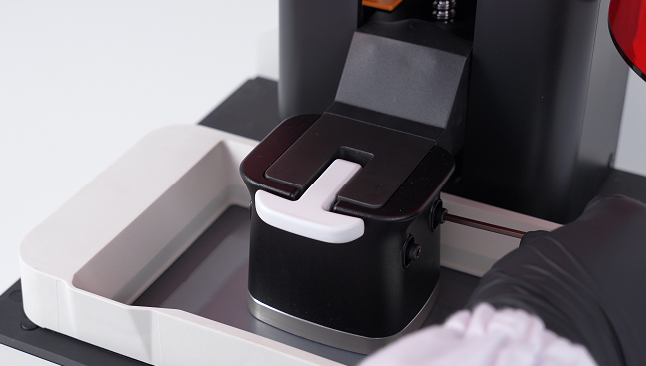
14. Check Platform Leveling.